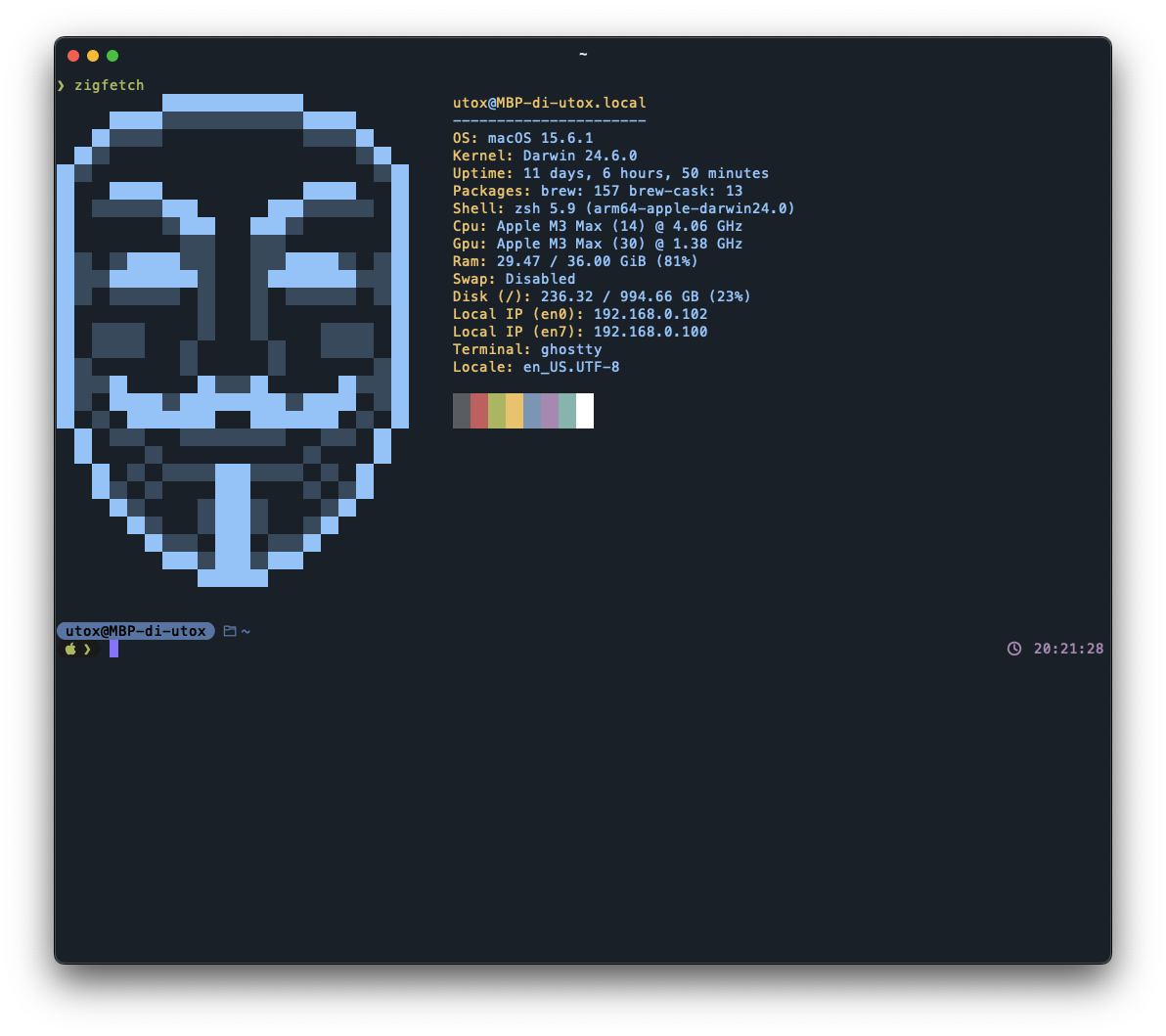
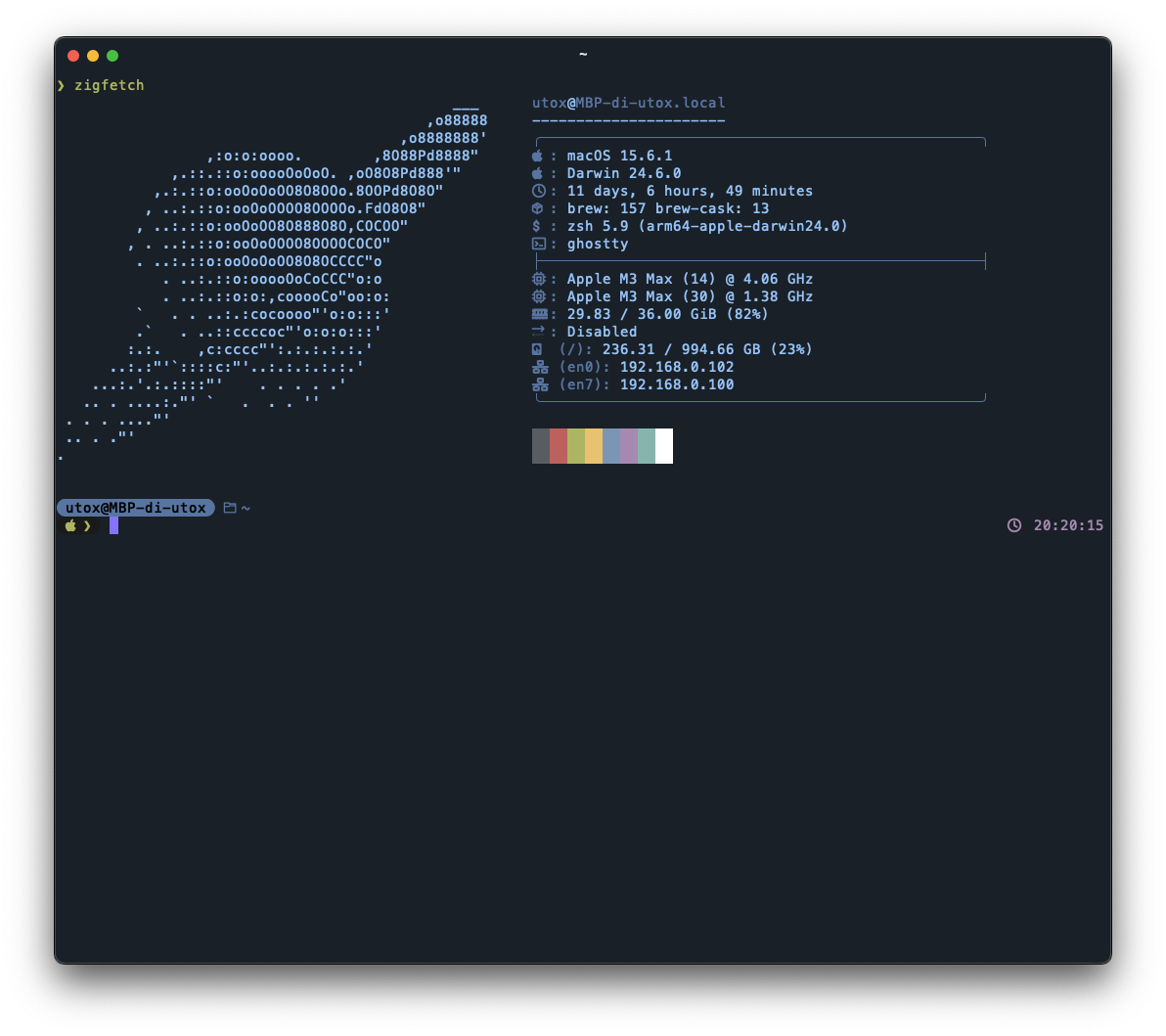
zigfetch
A system information tool written in Zig that displays system details similar to neofetch/fastfetch
Zigfetch is a system information tool written in Zig that displays system details in a formatted output similar to neofetch and fastfetch. The tool shows information modules including OS, kernel, uptime, installed packages, shell, CPU, GPU, RAM, swap, disk usage, network interfaces, window manager, terminal, and locale settings.
The tool supports comprehensive package manager detection on Linux (flatpak, nix, dpkg, pacman, xbps) and macOS (Homebrew, MacPorts). GPU information is available on Linux systems and Apple Silicon Macs. Users can configure the output through JSON configuration files, customize ASCII art, modify colors using hex values, and create custom information modules.
Zigfetch runs on Linux and macOS with experimental Windows support in development. On Linux, it requires libpci for hardware information gathering. The tool stores configuration in ~/.config/zigfetch/config.json and follows a specific JSON schema for module definitions and display customization.
Installation
# via Homebrew
brew install utox39/tap/zigfetch
# via Build from source
git clone https://github.com/utox39/zigfetch.git && cd zigfetch && zig build -Doptimize=ReleaseSafe