wiremix
TUI audio mixer for PipeWire that controls volumes, routes audio between devices and applications, and configures audio settings.
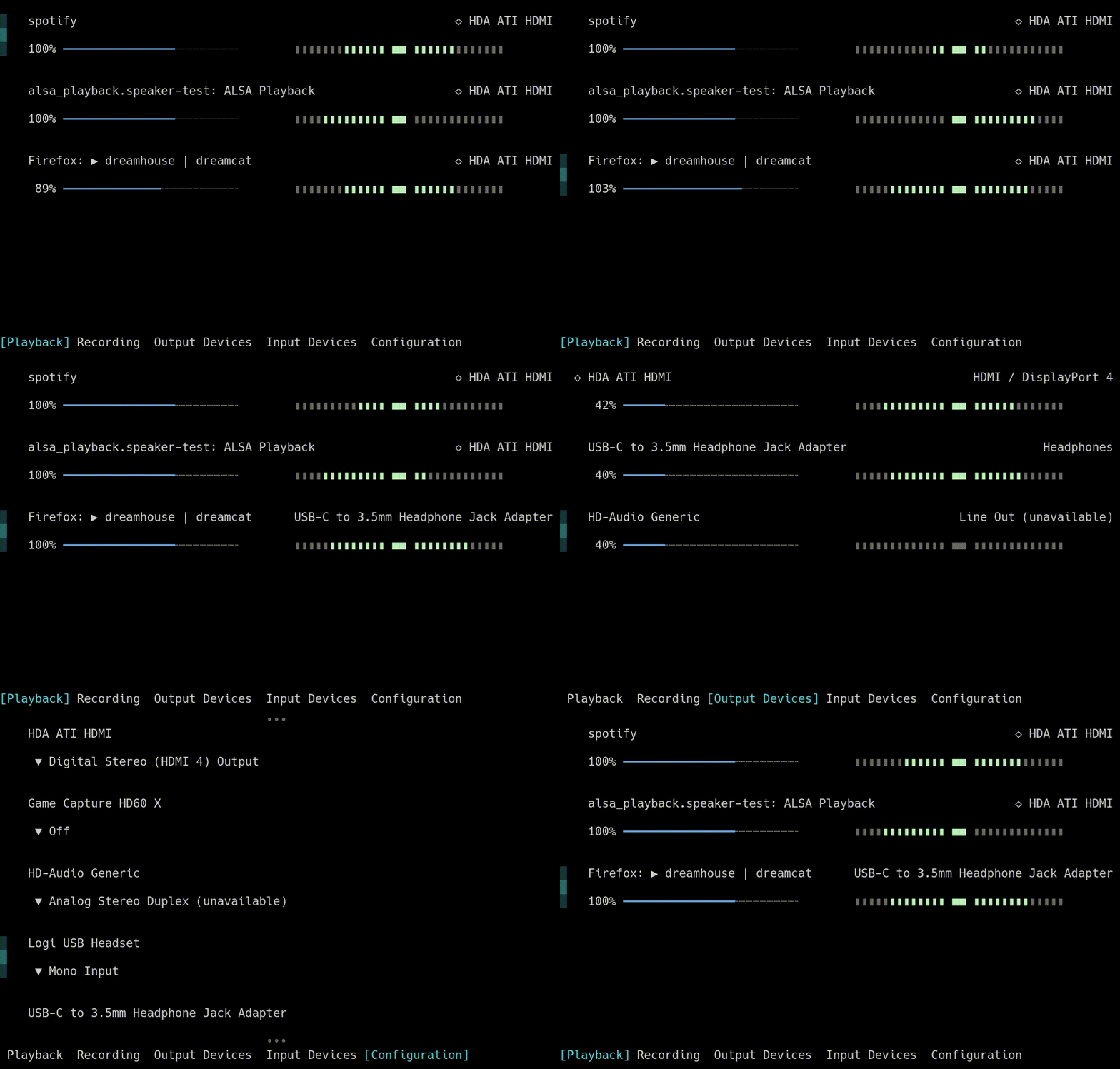
wiremix is a terminal user interface audio mixer built specifically for PipeWire audio systems. It provides comprehensive audio control capabilities including volume adjustment, audio routing between devices and applications, and configuration of audio device settings like input/output ports and profiles. The interface closely mirrors ncpamixer and pavucontrol, making it familiar to users of those tools.
The tool operates through five distinct tabs: playback, recording, output, input, and configuration. Users can navigate with keyboard shortcuts (hjkl/arrow keys), adjust volumes with incremental controls or direct percentage settings (0-9 keys for 0%-100%), toggle mute states, set default audio sources/sinks, and route audio streams to different destinations through dropdown menus. Mouse support is included for all operations.
wiremix offers extensive customization through TOML configuration files. Users can modify keybindings, create custom themes and character sets for different terminal compatibility levels, implement filters to hide specific PipeWire objects based on properties, and customize display names using a template system that pulls from PipeWire node properties. The tool supports audio peak meters with configurable monitoring levels and includes performance options like lazy capture to reduce CPU usage when monitoring many audio nodes.
Installation
# via Arch Linux
pacman -S wiremix
# via Nix
nix run nixpkgs#wiremix
# via Fedora
dnf in wiremix
# via Cargo
cargo install wiremix