termshark
Terminal user interface for tshark that provides Wireshark-like packet analysis capabilities from the command line
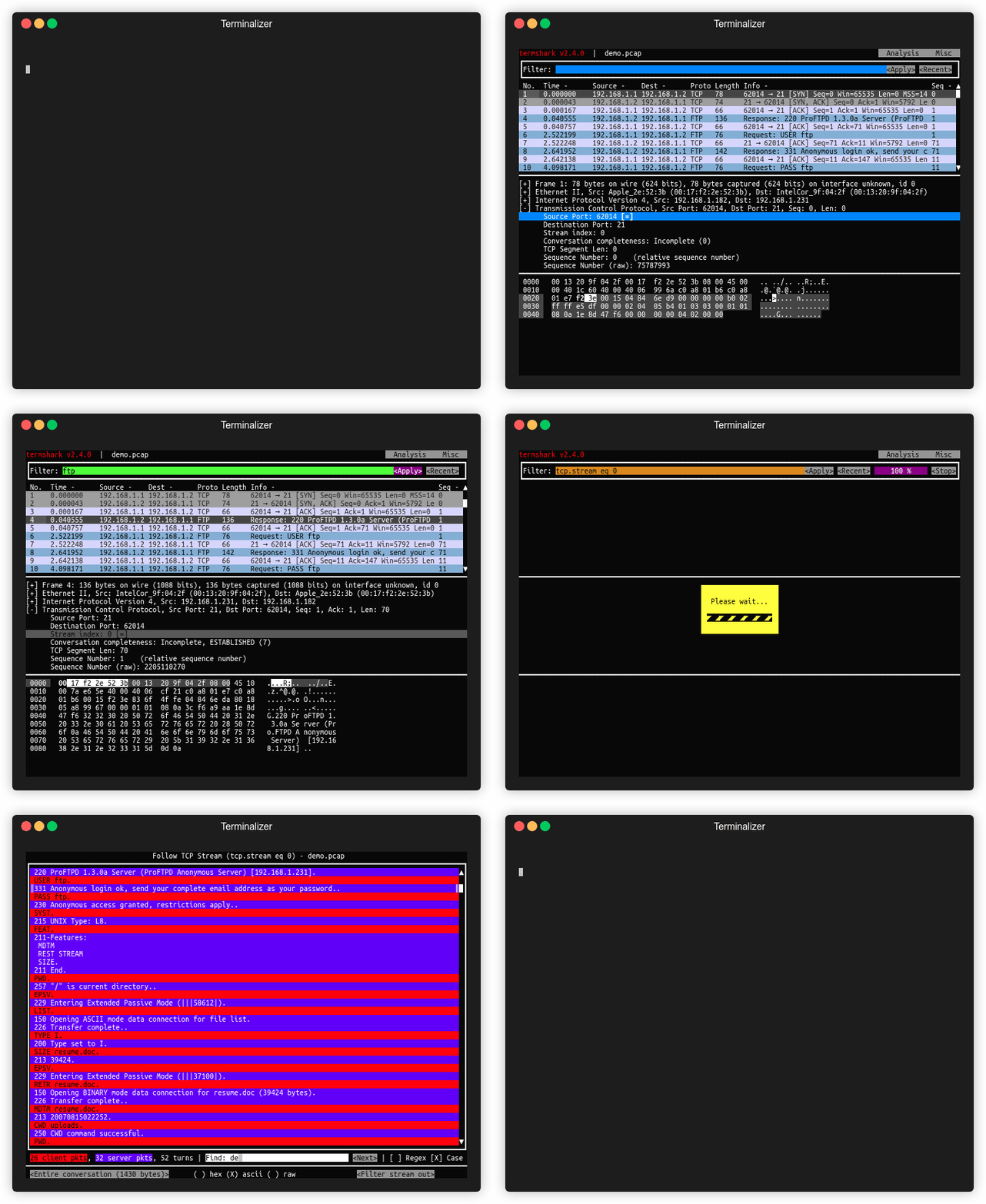
Termshark is a terminal-based network packet analyzer that wraps tshark with a Wireshark-inspired user interface. It reads pcap files and captures live network traffic, displaying packets in an interactive TUI that supports Wireshark's display filters for packet analysis. The tool can reassemble and inspect TCP/UDP flows, view network conversations by protocol, and copy packet ranges to the clipboard directly from the terminal.
Built in Go, termshark compiles to a single executable and runs on Linux, macOS, BSD variants, Android (via Termux), and Windows. It requires tshark (version 1.10.2 or higher) as a runtime dependency and must be in the system PATH. The tool is particularly useful for debugging network issues on remote machines where transferring large pcap files is impractical, allowing analysis directly on the target system.
Termshark supports both offline analysis of existing pcap files and live capture from network interfaces where tshark has appropriate permissions. Recent versions include packet search functionality and customizable profiles for colors and columns, expanding its analysis capabilities beyond basic packet inspection.
Installation
# via Go
go install github.com/gcla/termshark/v2/cmd/termshark@v2.4.0
# via Homebrew
brew install termshark