ssm
Terminal UI for managing and connecting to SSH hosts with vim-style navigation and tagging
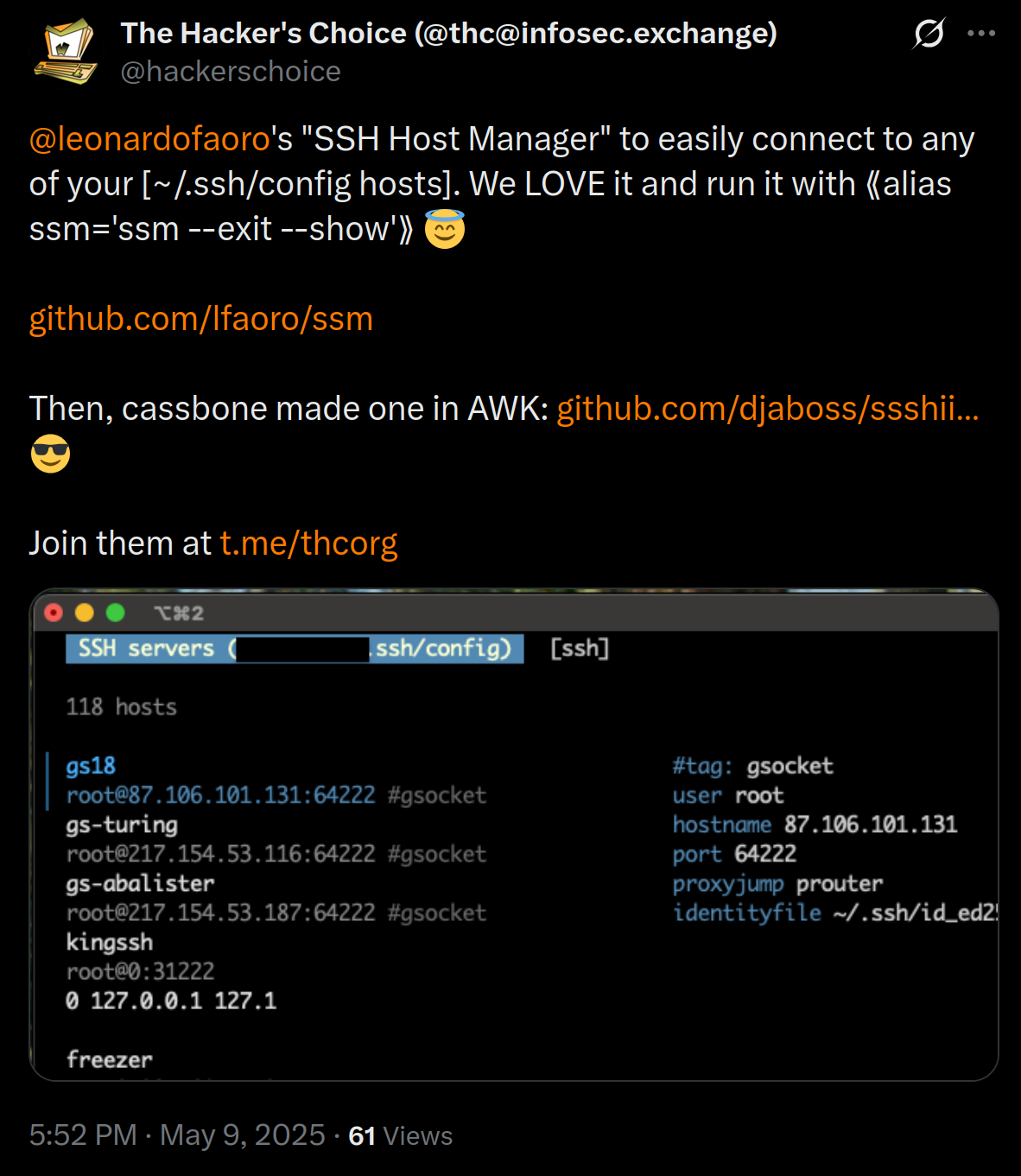
ssm is a terminal-based SSH connection manager that provides a keyboard-driven interface for managing SSH hosts defined in your SSH config file. It operates as a TUI (Terminal User Interface) that reads from the standard ~/.ssh/config file without requiring any setup on remote systems.
The tool supports vim-style navigation (jkhl, ctrl+d/u, g/G) and emacs keybindings (ctrl+p/n/b/f) for browsing hosts. Users can filter hosts with /, switch between SSH and MOSH connections using TAB, and organize servers using custom tags in the SSH config (e.g., #tag: admin). The interface supports running commands without spawning a TTY via ctrl+r, and can display config parameters in a side view with ctrl+v.
ssm includes functionality for editing the SSH config directly from the interface (ctrl+e) with automatic reload on changes, and supports CLI flags for batch operations. The tool can filter hosts by tags (e.g., ssm admin shows only admin-tagged servers) and includes theme customization capabilities. It's designed for system administrators, DevOps engineers, and developers who frequently connect to multiple remote systems and want a more organized approach than manually typing SSH commands.
Installation
# via Homebrew
brew install lfaoro/tap/ssm
# via Bash script
curl -sSL https://github.com/lfaoro/ssm/raw/main/scripts/get.sh | bash
# via Go install
go install github.com/lfaoro/ssm@latest