ShellCheck
Static analysis tool that identifies syntax errors, semantic problems, and pitfalls in bash/sh shell scripts
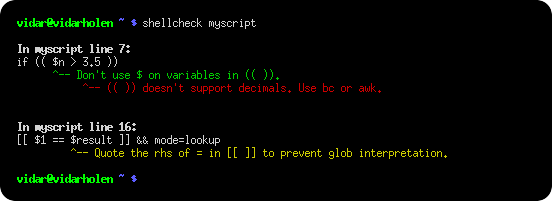
ShellCheck is a static analysis tool that examines bash and sh shell scripts to identify common issues that cause scripts to fail or behave unexpectedly. It detects beginner syntax errors that produce cryptic shell error messages, intermediate-level semantic problems that cause strange behavior, and subtle pitfalls that may break otherwise working scripts under certain conditions.
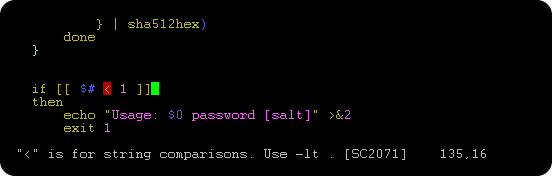
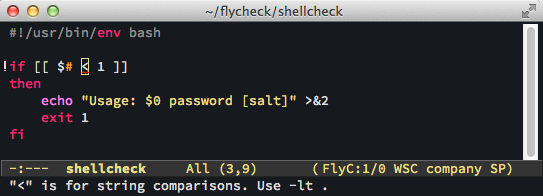
The tool analyzes scripts for problems across multiple categories including quoting issues, conditional logic errors, misused commands, data typing problems, and portability concerns. ShellCheck can be used through a web interface at shellcheck.net, as a command-line tool, or integrated directly into editors like Vim, Emacs, VSCode, and Sublime Text through various plugins.
ShellCheck outputs warnings in multiple formats including human-readable text, JSON, CheckStyle-compatible XML, and GCC-compatible format for build system integration. It can be incorporated into CI/CD pipelines and is pre-installed on services like Travis CI, GitHub Actions, and CircleCI. The tool supports both interactive development workflows and automated testing environments, making it suitable for individual developers and teams maintaining shell script codebases.
Installation
# via Homebrew
brew install shellcheck
# via APT
sudo apt install shellcheck
# via Cabal
cabal update && cabal install ShellCheck