qo
TUI for querying JSON and CSV files with SQL syntax, reads from stdin and outputs to stdout
qo is a terminal user interface (TUI) tool that enables SQL queries against JSON and CSV data files. It functions as a pipeline-friendly utility that reads from stdin or file arguments and writes results to stdout, making it compatible with standard Unix workflows.
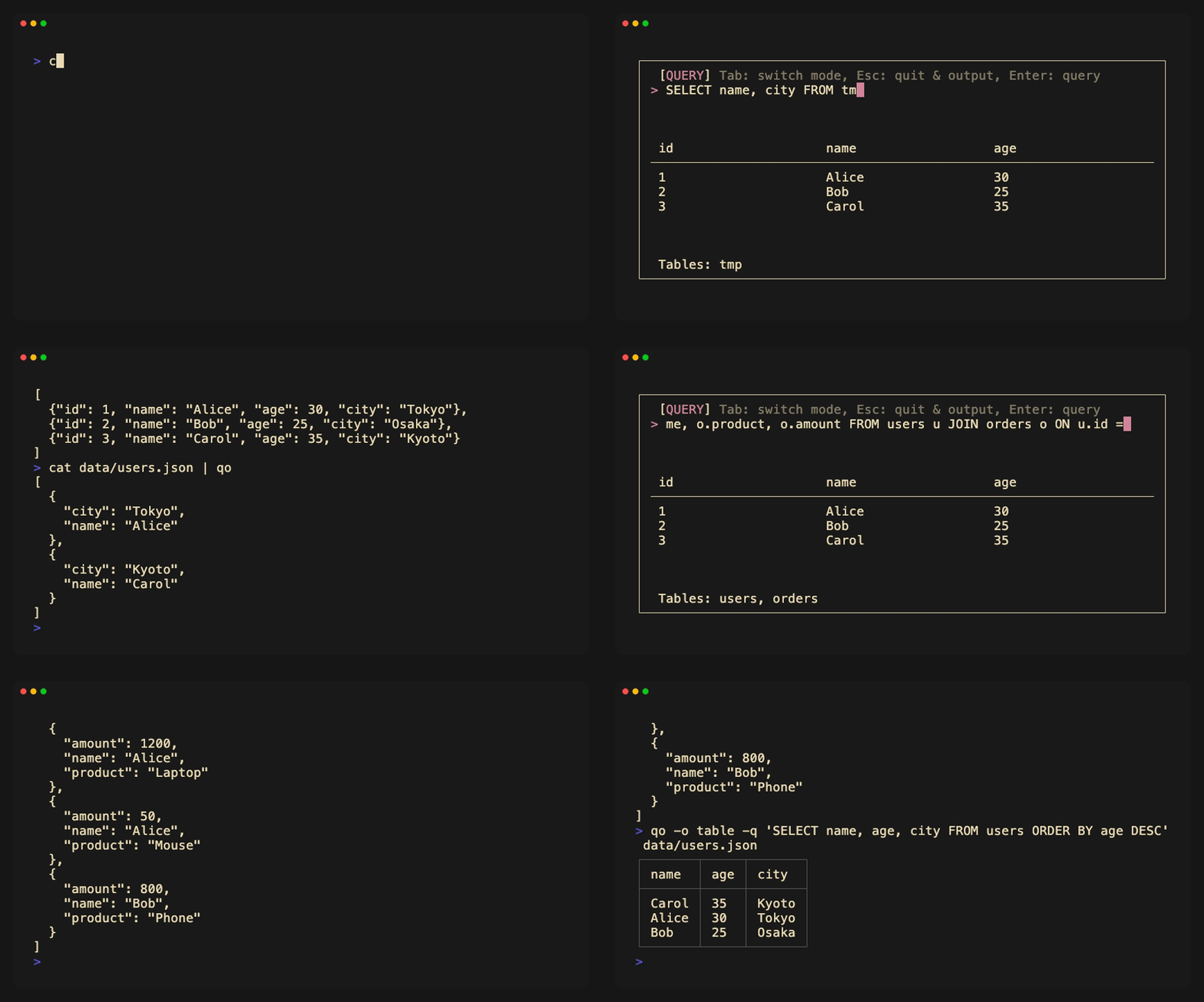
The tool supports both interactive and non-interactive modes. In interactive mode, users can explore data through a TUI interface, build SQL queries, and see results before committing to output. Non-interactive mode accepts SQL queries via the -q flag for direct command-line processing. qo handles multiple input formats including JSON, JSONL, CSV, TSV, and PSV, with corresponding output format options.
Built on SQLite as its SQL engine, qo supports the full SQLite syntax including JSON extraction functions for nested data queries. The tool includes format conversion capabilities, allowing transformation between JSON, CSV, and other structured formats. Users can aggregate data, filter logs, and perform complex joins across multiple files using familiar SQL operations.
Developers and data analysts working with structured data in command-line environments will find qo useful for exploratory data analysis, log processing, and data transformation tasks. The TUI provides vim-style navigation controls and tab-based mode switching between query editing and result viewing.
Installation
# via Homebrew
brew install kiki-ki/tap/qo
# via Shell Script
curl -sfL https://raw.githubusercontent.com/kiki-ki/go-qo/main/install.sh | sh