procs
A Rust-based replacement for ps with colored output, multi-column search, and additional process information
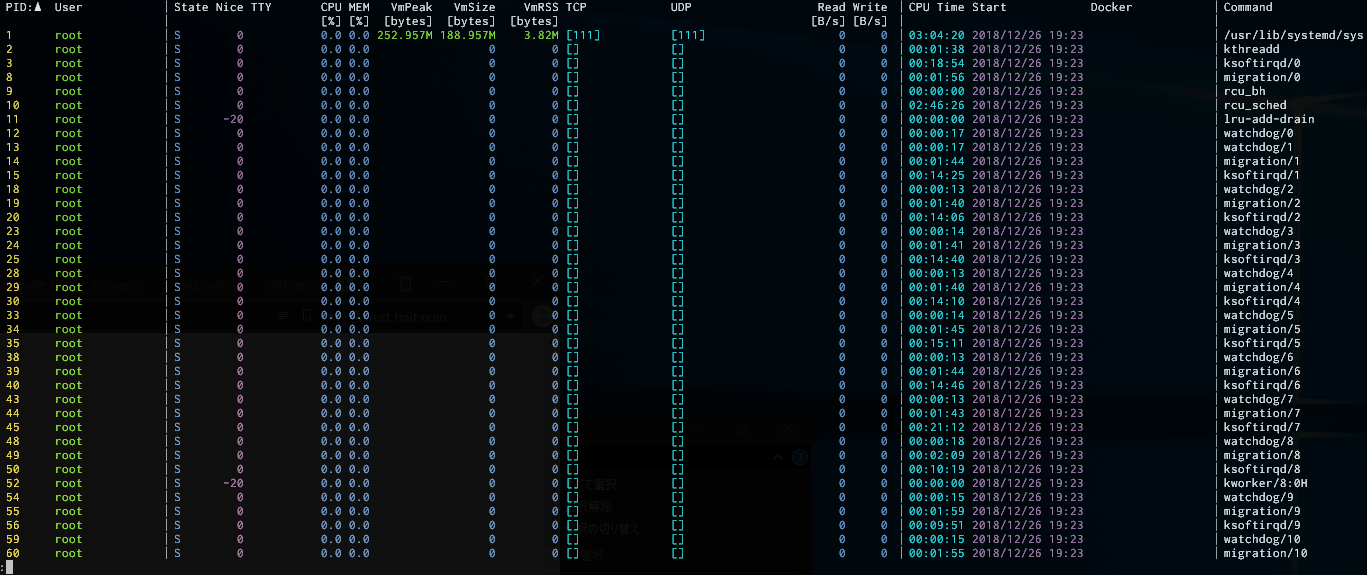
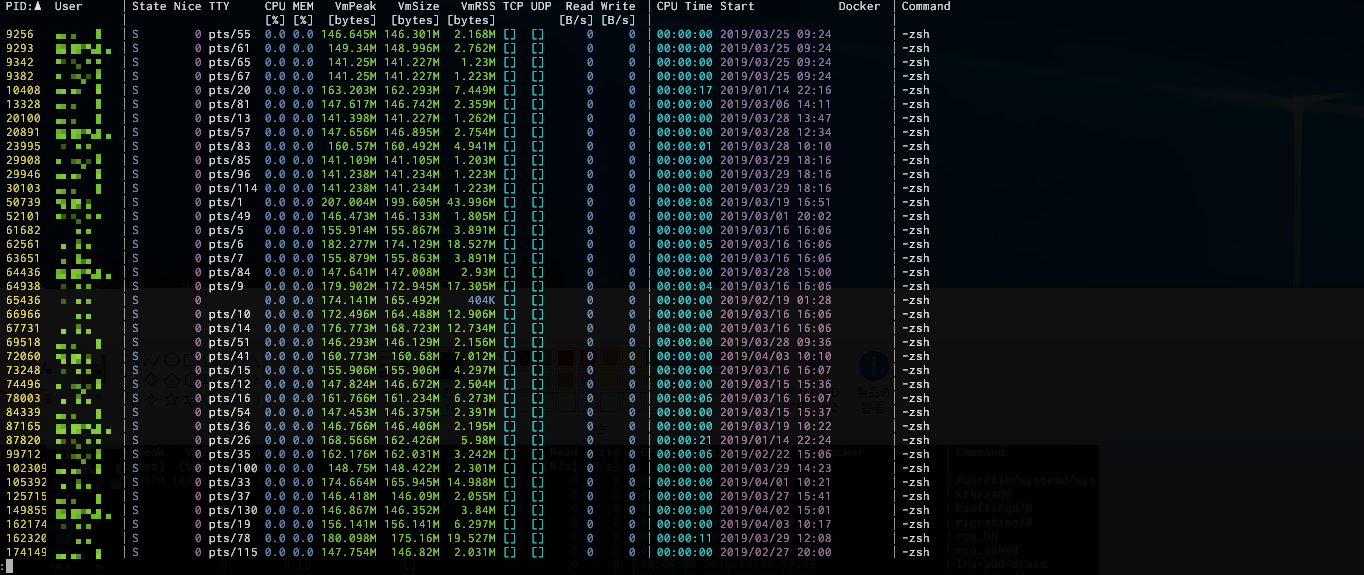
procs is a process viewer that replaces the traditional ps command, written in Rust. It displays running processes with colored, human-readable output and automatic theme detection based on terminal background. The tool provides multi-column keyword search functionality, allowing users to filter processes by various criteria with logical operations (AND, OR, NAND, NOR).
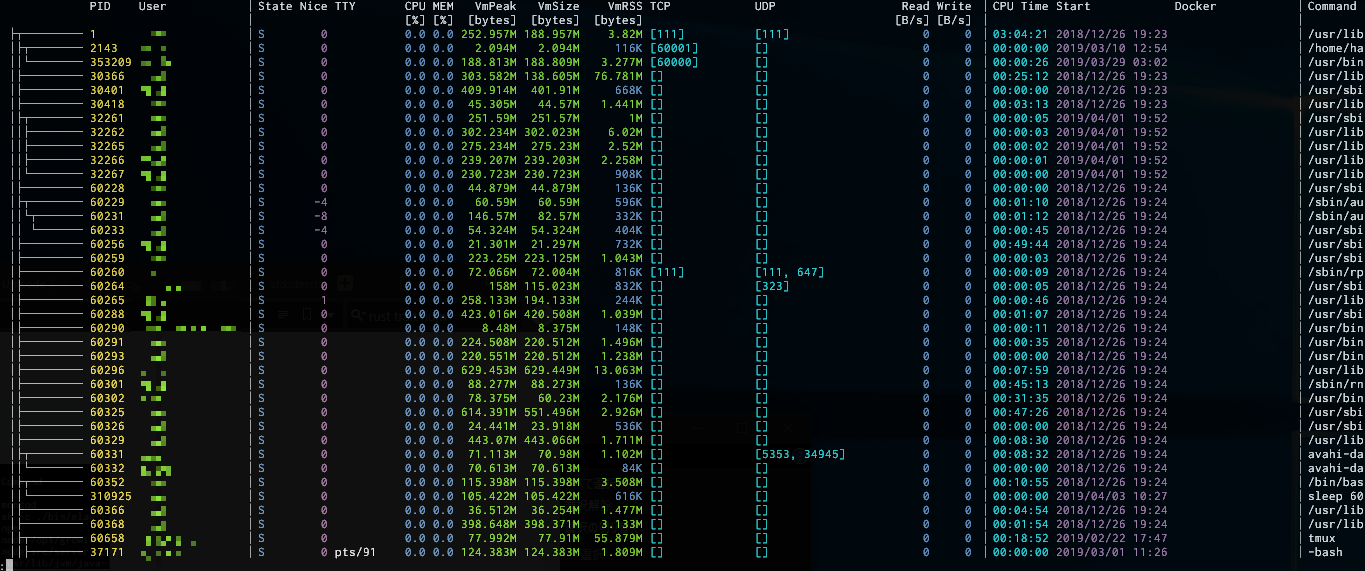
Beyond standard process information, procs shows additional data not available in ps, including TCP/UDP ports, read/write throughput, Docker container names, and extended memory information. It includes a pager for handling long output, watch mode similar to top for real-time updates, and tree view to display process dependencies. The tool supports extensive customization through TOML configuration files.
procs runs on Linux, macOS (experimentally), Windows, and FreeBSD (experimentally). Some features like accessing other users' process information require elevated privileges. Docker integration requires access to the Docker daemon socket, making it useful for containerized environments.
Installation
# via Homebrew
brew install procs
# via Cargo
cargo install procs
# via Arch Linux
sudo pacman -S procs