pastel
Command-line tool to generate, analyze, convert and manipulate colors across multiple formats and color spaces
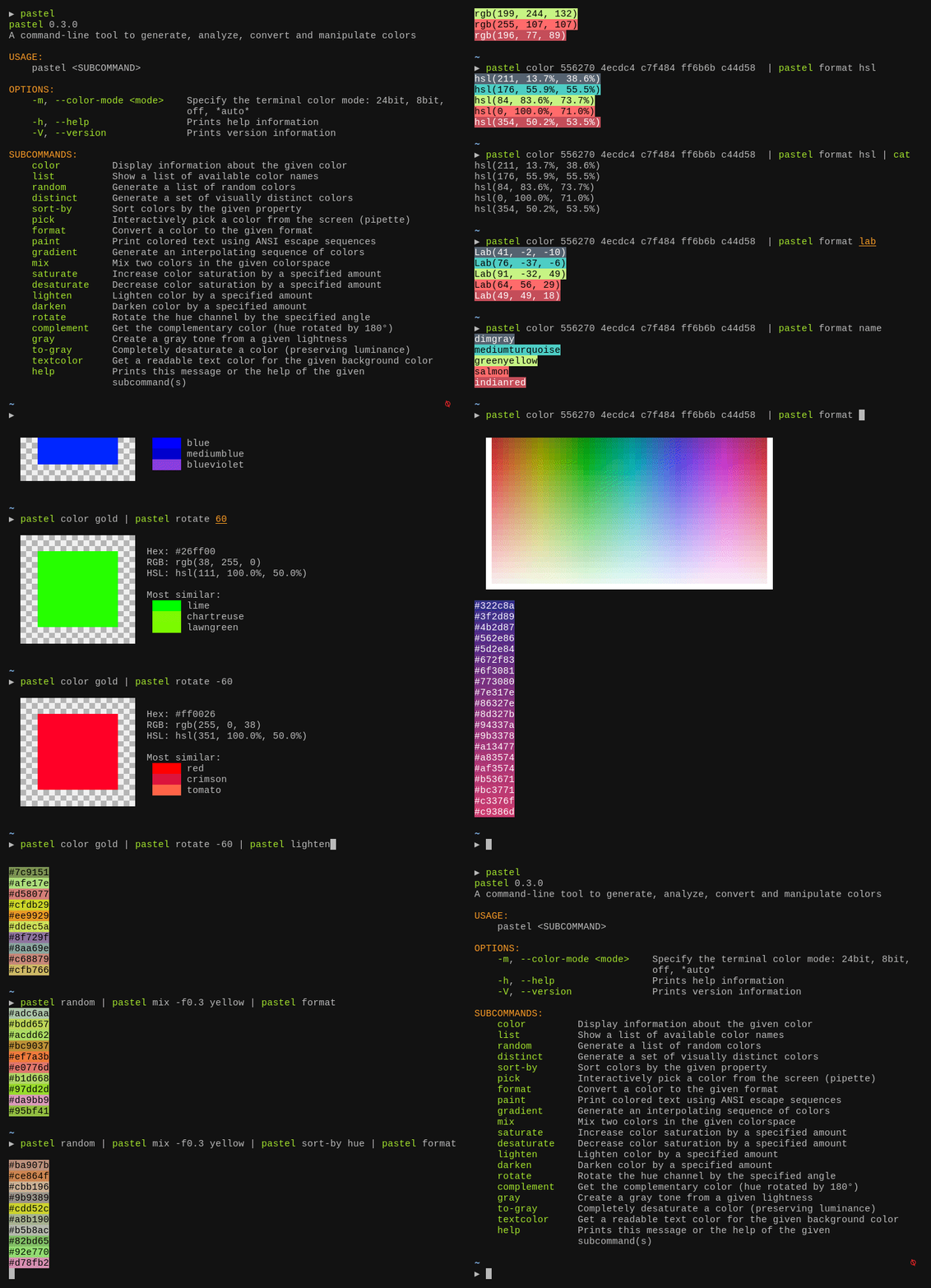
Pastel is a command-line color manipulation tool that supports generation, analysis, conversion, and manipulation of colors across multiple formats and color spaces. It handles RGB (sRGB), HSL, CIELAB, CIELCh color spaces as well as ANSI 8-bit and 24-bit representations. Colors can be specified in various formats including hex codes, CSS color names, RGB values, and HSL notation.
The tool provides composable commands that can be chained through pipes, enabling workflows like pastel random | pastel mix red | pastel lighten 0.2 | pastel format hex. Core functionality includes format conversion between color spaces, color analysis and display on the terminal, screen color picking with pastel pick, generation of visually distinct color sets, and lookup of X11/CSS color names. It also includes a paint command for colorizing terminal text output with foreground and background colors.
Pastel targets developers, designers, and system administrators who work with colors in terminal environments, shell scripts, or development workflows. The tool accepts colors as command-line arguments or from standard input, making it suitable for both interactive use and automation in scripts and pipelines.
Installation
# via Homebrew
brew install pastel
# via Cargo
cargo install pastel
# via APT
sudo apt install pastel