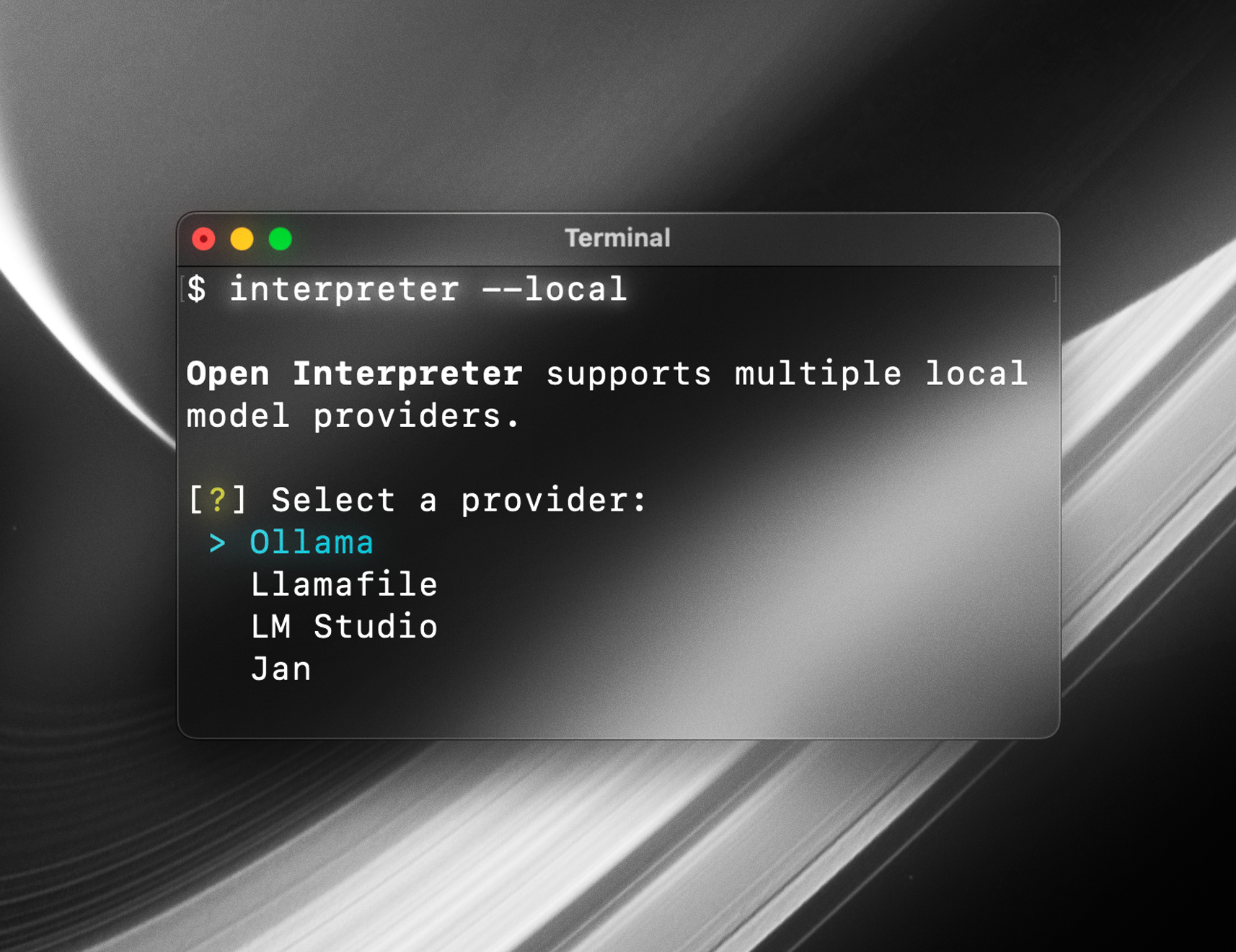
Open Interpreter
CLI tool that lets LLMs execute code locally through a ChatGPT-like terminal interface with approval prompts
Open Interpreter provides a natural language interface for executing code locally through large language models. After installation, running interpreter launches a ChatGPT-like terminal interface where users can request tasks like creating PDFs, controlling Chrome browsers, analyzing datasets, or editing media files. The tool supports multiple programming languages including Python, JavaScript, and Shell commands.
The system requires user approval before executing any generated code, providing a safety mechanism for potentially destructive operations. Open Interpreter can be integrated into Python applications programmatically through interpreter.chat() methods, supports streaming responses, and maintains conversation history across sessions. It connects to various language models through LiteLLM integration, supporting both hosted models (GPT-4, Claude-2) and local inference servers.
Unlike OpenAI's hosted Code Interpreter, Open Interpreter runs entirely in the local environment with full internet access, no file size restrictions, and access to any installed packages or libraries. The tool includes configuration profiles through YAML files, verbose debugging modes, and can be deployed as a FastAPI server for HTTP API access. It serves developers, data analysts, and automation engineers who need AI-assisted code execution with local system access.
Installation
# via pip
pip install git+https://github.com/OpenInterpreter/open-interpreter.git