omm
Keyboard-driven task manager for the command line with priority reordering and context management
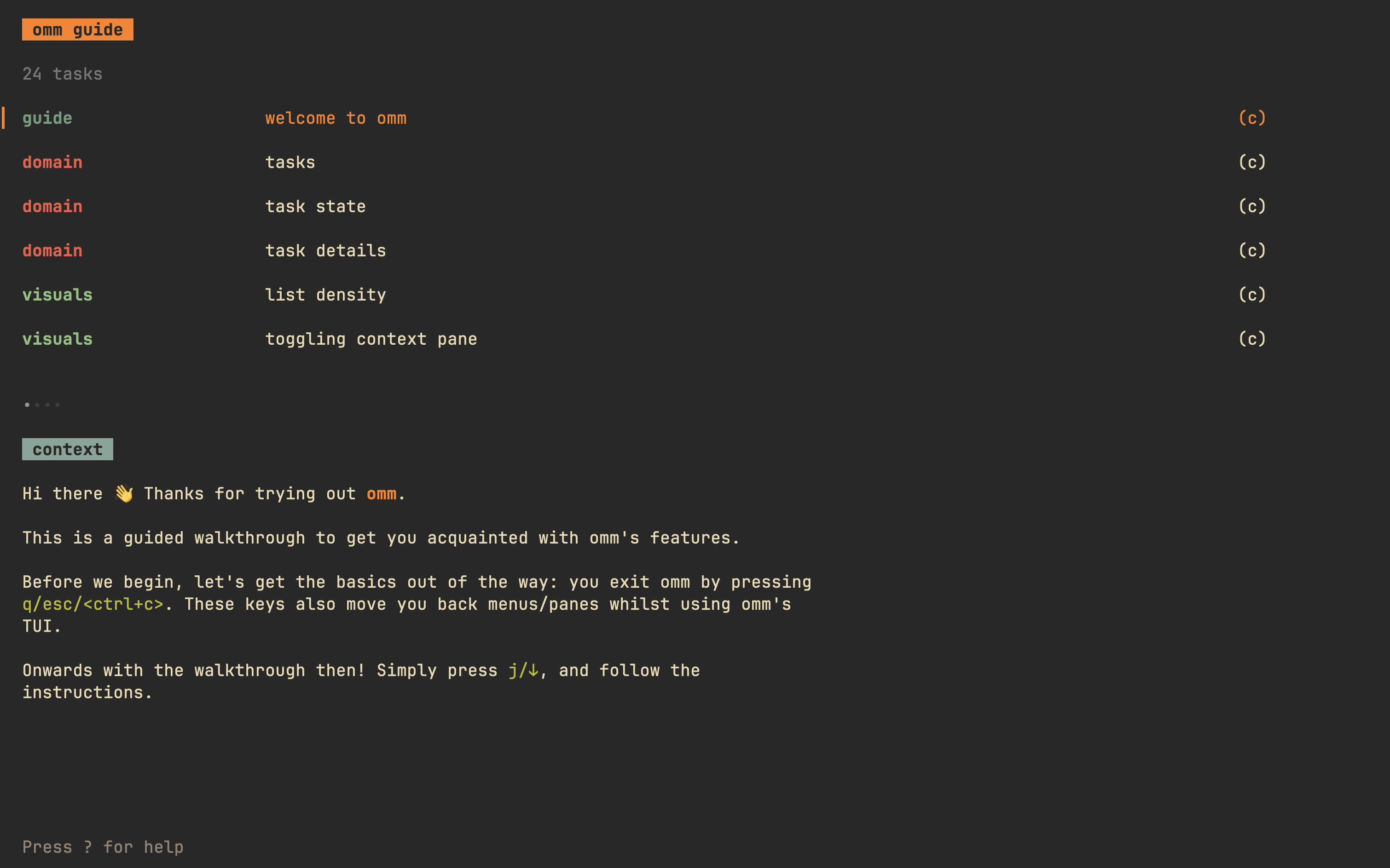
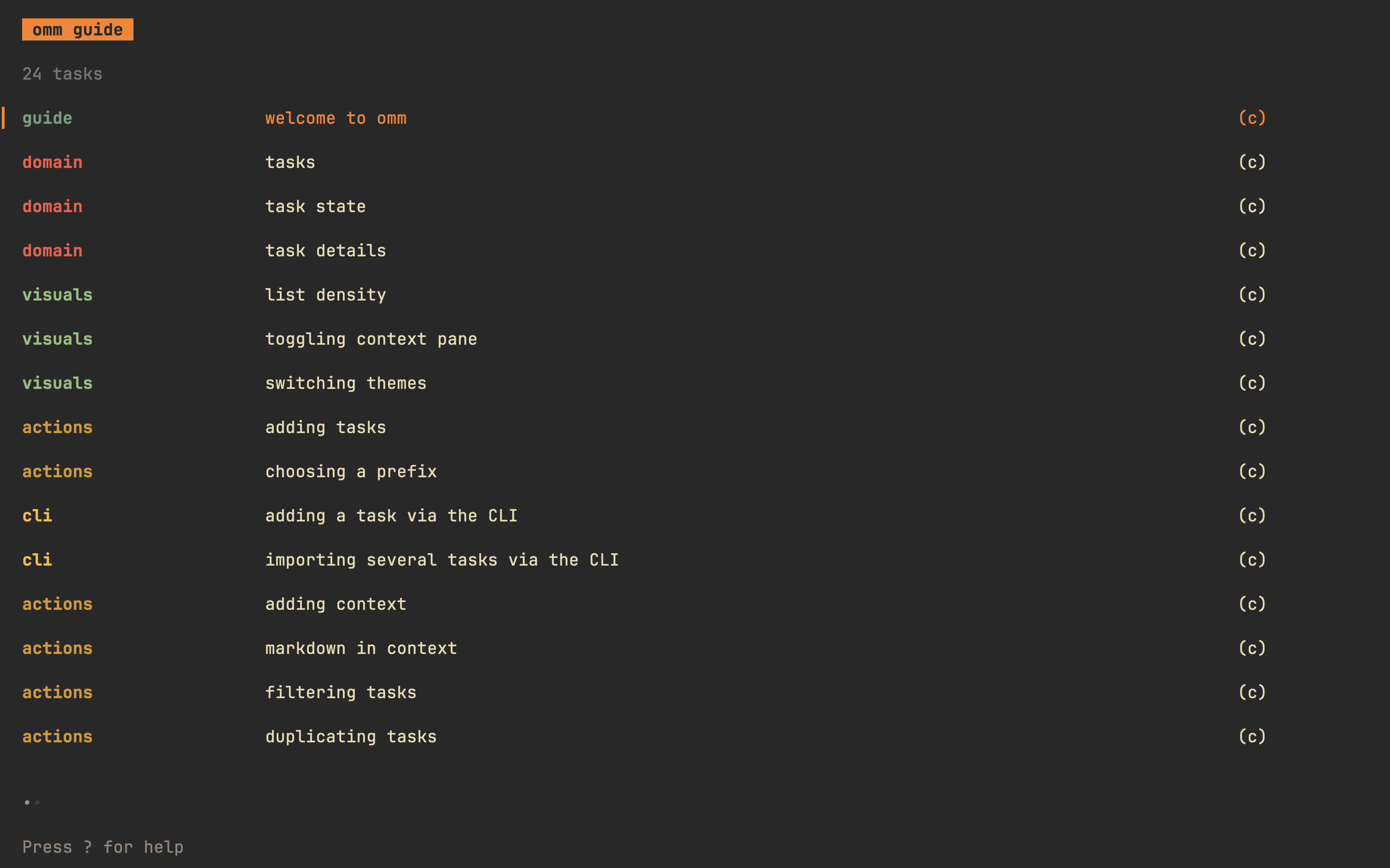
omm ("on-my-mind") is a keyboard-driven task manager that operates entirely from the command line. It centers around the concept that while you may have multiple tasks, you typically focus on one at a time, with priorities frequently shifting. The tool provides a TUI interface with separate lists for active tasks, archived tasks, and bookmarks, allowing you to reorder tasks by priority, move items to the top of the list, and archive completed work.
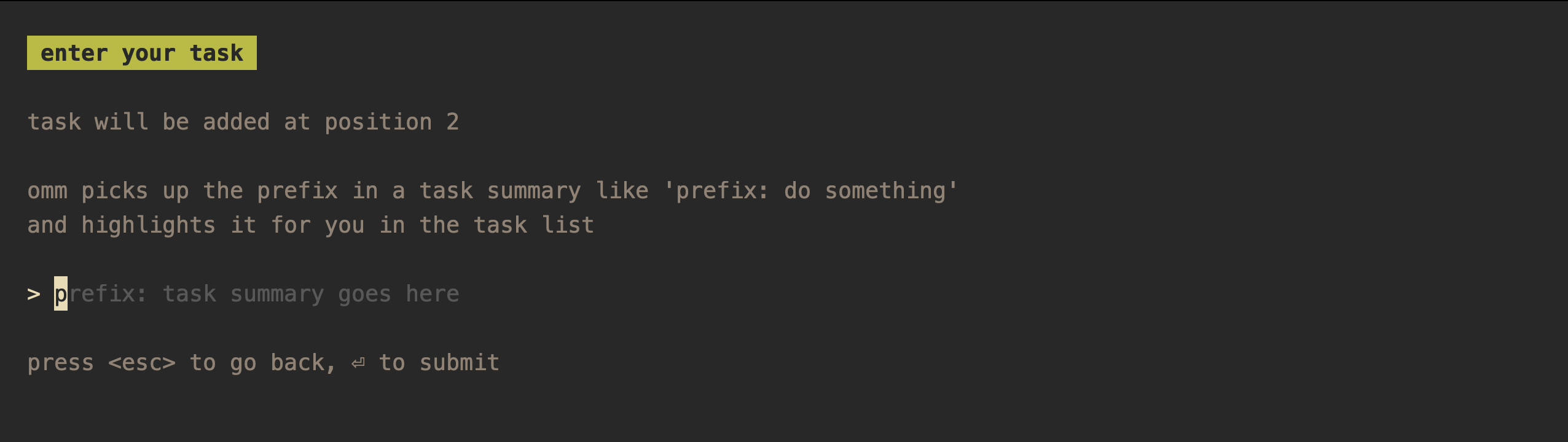
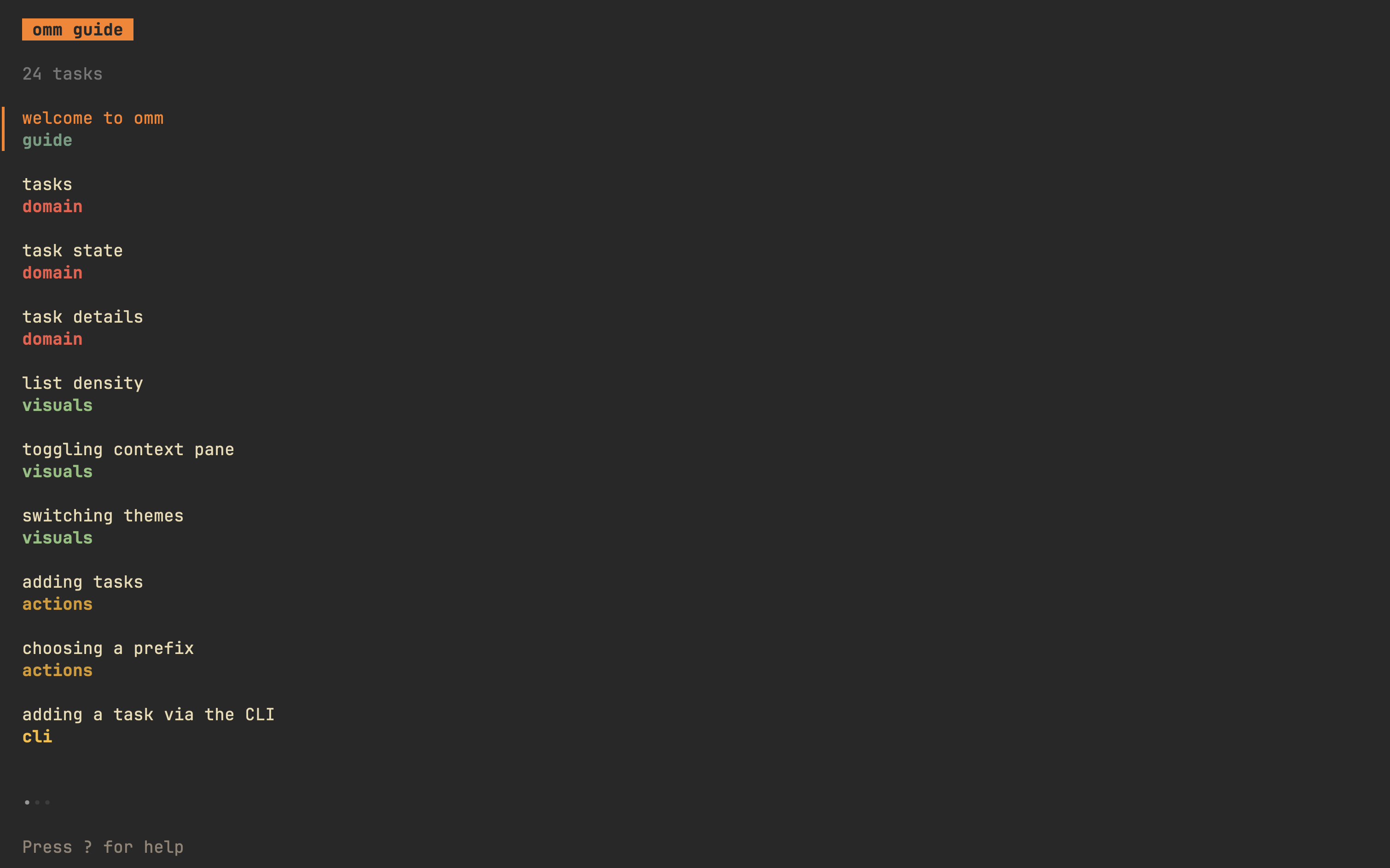
The tool supports task context management through an integrated text editor (configurable via flags, environment variables, or defaults to vi). Tasks can be formatted with prefixes using the syntax "prefix: task summary" for better organization and highlighting. omm includes bulk task import from stdin, single task creation via command arguments, and task export to stdout. It offers multiple built-in themes, visual density options (compact/spacious), and extensive keyboard navigation.
The application stores data in a local SQLite database and supports multiple discrete instances through separate config files or database paths. This makes it suitable for developers and professionals who need to manage separate task lists for different projects or contexts. Installation is available through Homebrew, Go, or direct binary downloads.
Installation
# via Homebrew
brew install dhth/tap/omm
# via Go
go install github.com/dhth/omm@latest