mods
CLI tool that adds AI capabilities to command line pipelines by processing stdin through LLMs
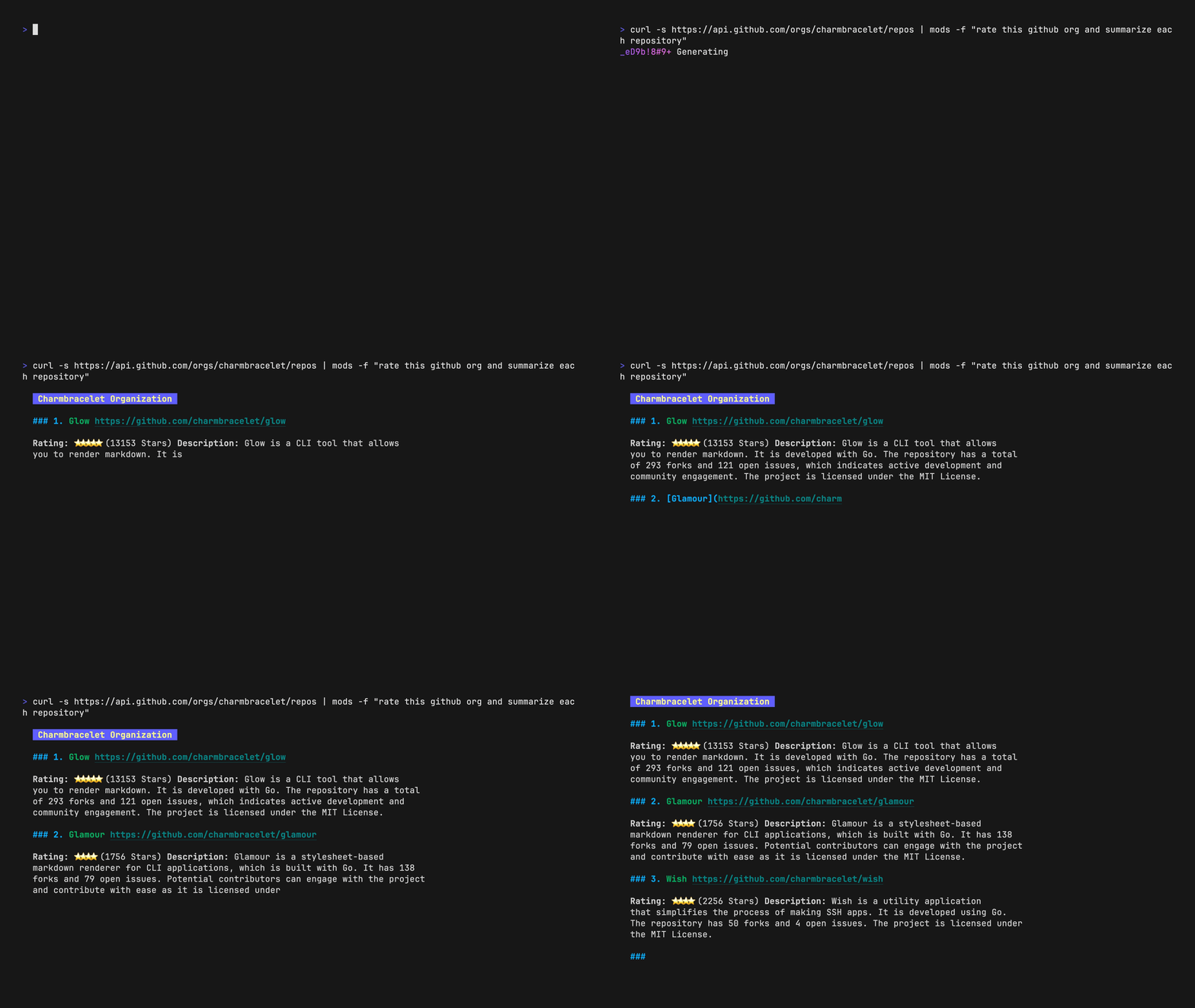
Mods is a command-line tool that integrates Large Language Models into Unix pipelines by reading from standard input and processing it through AI models. It accepts text from stdin, combines it with user-provided prompts, sends the combined input to an LLM, and outputs formatted results in Markdown, JSON, or other text formats. The tool supports multiple AI providers including OpenAI, LocalAI, Cohere, Groq, Azure OpenAI, and Google Gemini.
The tool maintains conversation history locally, with each conversation identified by SHA-1 hashes and titles. Users can continue previous conversations, list saved sessions, and manage conversation storage. Mods includes features like custom roles for system prompts, output formatting options, model selection, and configurable parameters like temperature and token limits.
Mods works with OpenAI-compatible endpoints and defaults to supporting OpenAI's API and LocalAI installations on port 8080. It includes shell completions for Bash, ZSH, Fish, and PowerShell, making it suitable for developers and system administrators who want to incorporate AI processing into their command-line workflows. The tool is being sunset in March 2026 in favor of Charm's Crush project.
Installation
# via Homebrew
brew install charmbracelet/tap/mods
# via Go
go install github.com/charmbracelet/mods@latest
# via Winget
winget install charmbracelet.mods