lazydocker
Terminal UI for Docker and Docker Compose management with container logs, stats, and interactive controls
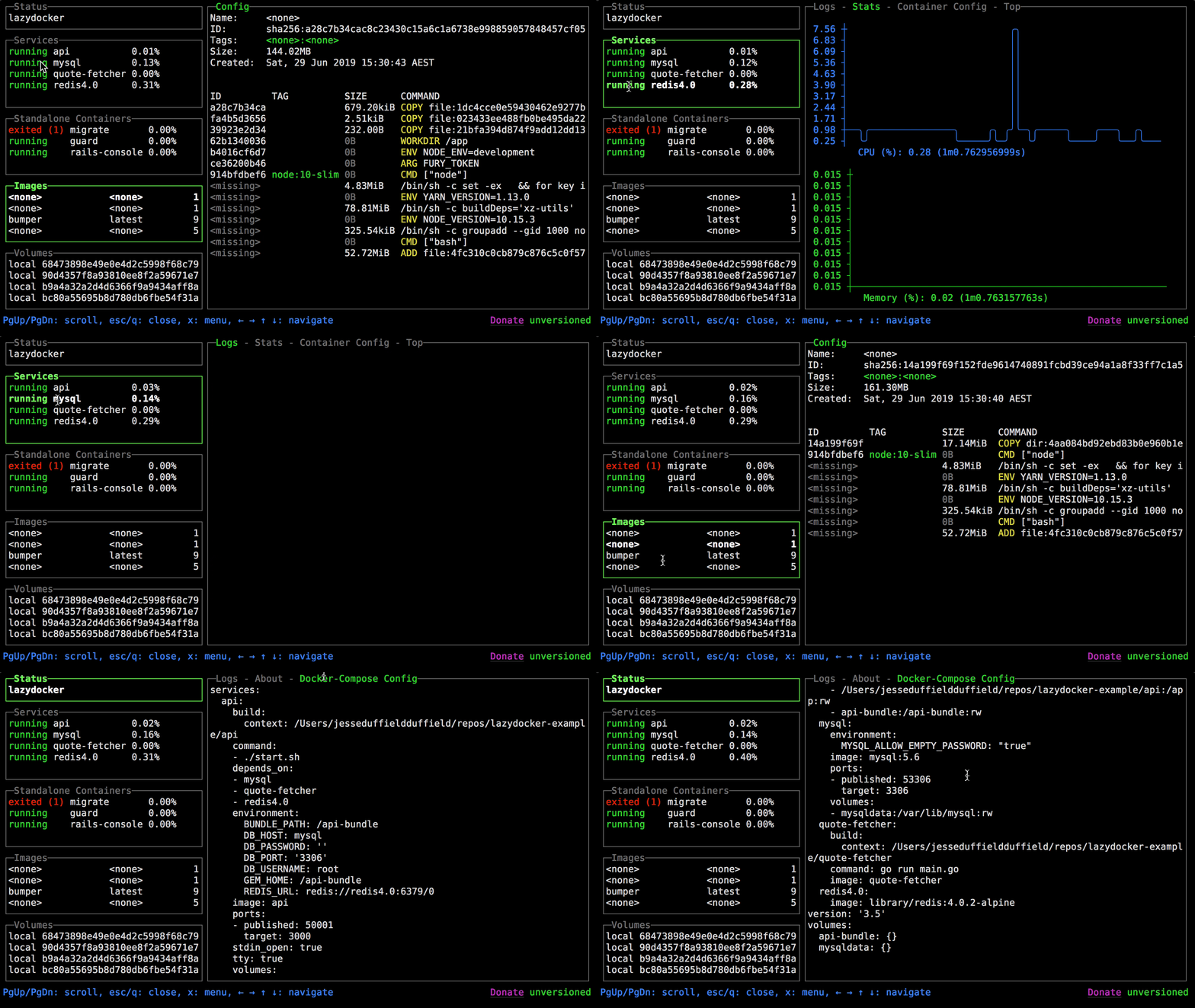
lazydocker is a terminal user interface for managing Docker containers and Docker Compose services. Built in Go using the gocui library, it provides a visual interface for viewing container status, logs, and statistics without requiring complex command-line arguments.
The tool displays containers, images, volumes, and networks in separate panes with real-time updates. Users can start, stop, and remove containers, view streaming logs, monitor resource usage, and execute commands inside containers through the TUI. It supports both individual Docker containers and Docker Compose stacks.
Developers working with containerized applications can use lazydocker to streamline common Docker operations. The interface eliminates the need to remember lengthy docker commands and provides a consolidated view of the Docker environment, making it particularly useful for development workflows involving multiple containers or services.
Installation
# via Homebrew
brew install lazydocker