gping
Ping utility with real-time graphical display of response times and command execution times
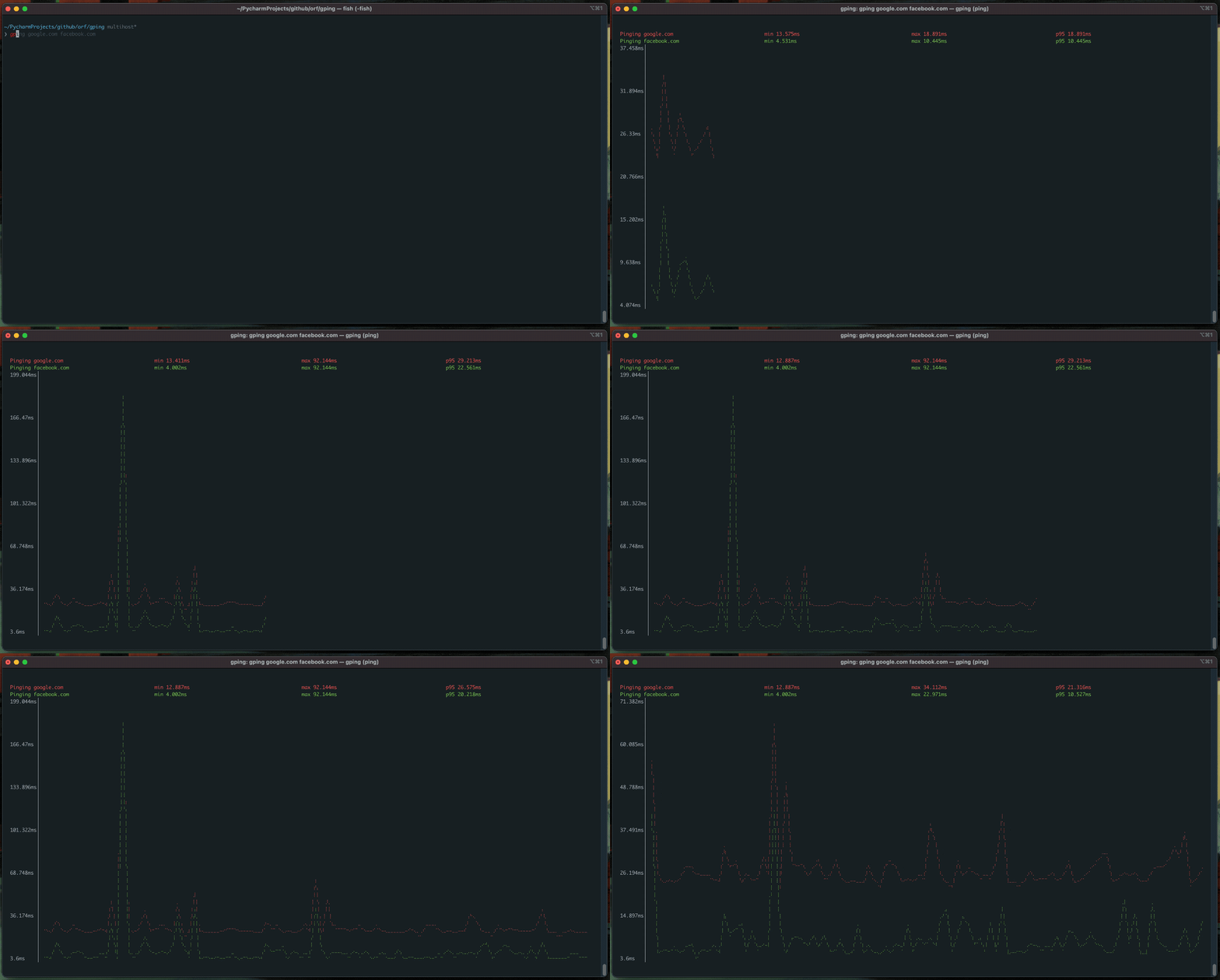
gping is a network monitoring tool that extends traditional ping functionality with real-time graphical visualization. It displays ping response times as continuously updating graphs in the terminal, allowing users to monitor network latency patterns over time. The tool supports pinging multiple hosts simultaneously, with each target rendered as a separate graph line.
Beyond standard network pings, gping can graph execution times for arbitrary commands using the --cmd flag. This feature transforms it into a general-purpose performance monitoring tool for any command-line operation. The tool includes cloud provider shortcuts like aws:eu-west-1 for pinging specific AWS regions, making it useful for monitoring cloud infrastructure connectivity.
The interface offers customization options including custom colors for different targets, adjustable time buffers (default 30 seconds), configurable watch intervals, and support for both IPv4 and IPv6. Users can specify network interfaces, adjust graph margins, and choose between braille or simple dot characters for the display. gping supports cross-platform deployment on Windows, macOS, Linux, and FreeBSD.
Installation
# via Homebrew
brew install gping
# via Cargo
cargo install gping
# via APT
apt install gping