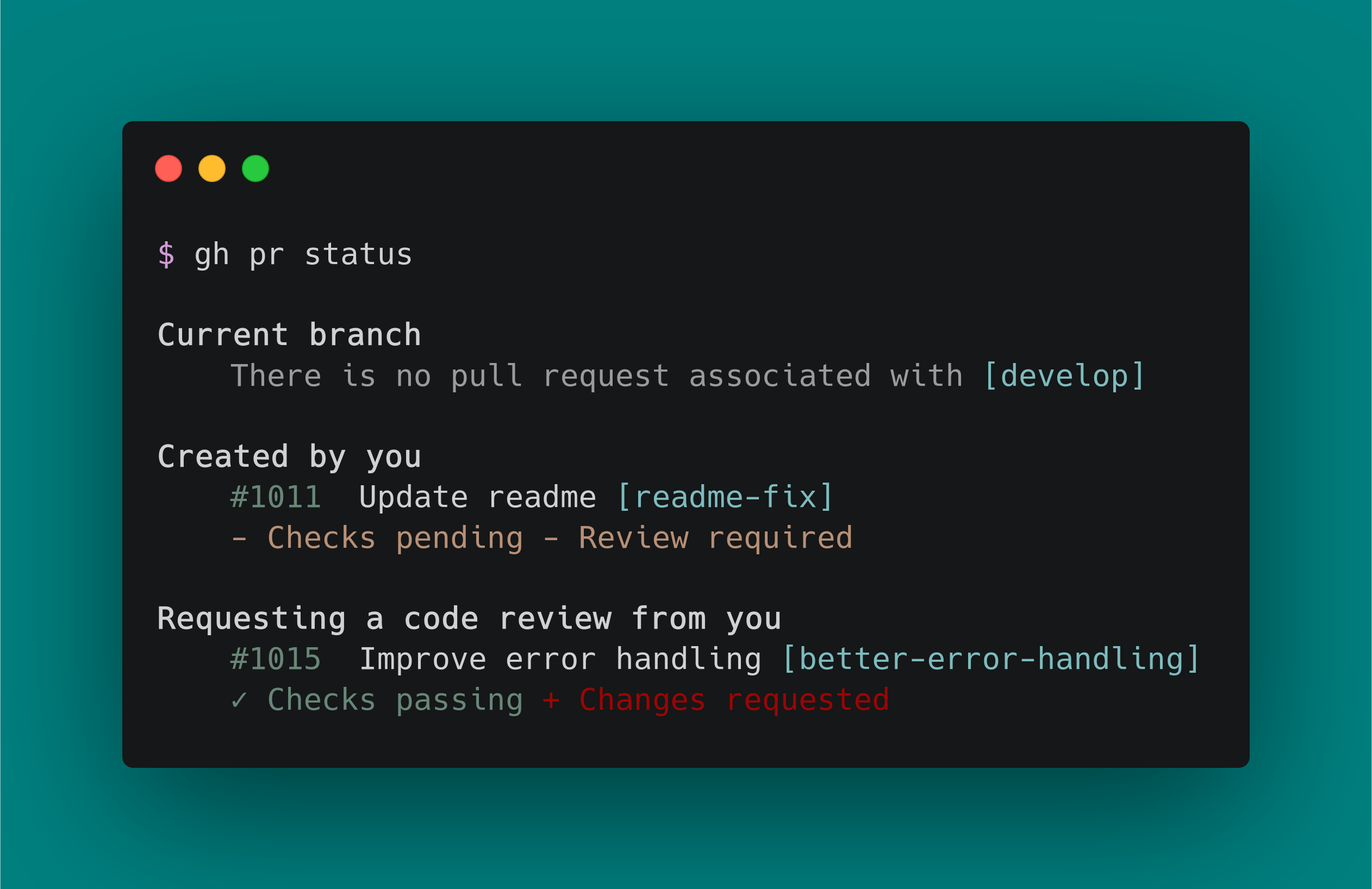
gh
Official GitHub CLI tool for managing pull requests, issues, and repositories from the command line
GitHub CLI (gh) is the official command-line interface for GitHub, allowing developers to interact with GitHub repositories, pull requests, issues, and other GitHub features directly from the terminal. The tool operates alongside git and integrates GitHub workflows into existing development environments without requiring a web browser.
The CLI supports comprehensive GitHub operations including creating and reviewing pull requests, managing issues, handling releases, and repository administration. It works with GitHub.com, GitHub Enterprise Cloud, and GitHub Enterprise Server 2.20+, providing cross-platform support for macOS, Windows, and Linux.
Unlike hub (the previous unofficial GitHub CLI), gh operates as a standalone tool rather than a git proxy, offering a fundamentally different architecture. The tool includes cryptographic verification of binaries through Build Provenance Attestation using Sigstore PKI, and comes pre-installed on GitHub-hosted Actions runners.
Installation
# via Homebrew
brew install gh
# via WinGet
winget install GitHub.cli