gemini-cli
Terminal AI agent providing direct command line access to Google Gemini models with file operations, web search, and tool integration.
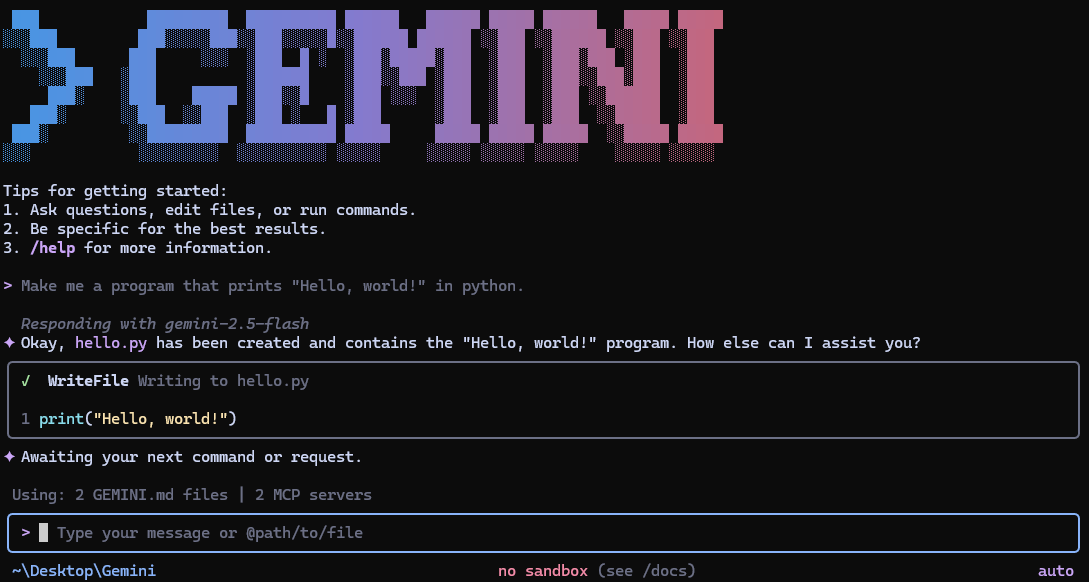
Gemini CLI is a terminal-based AI agent that provides direct command line access to Google Gemini models. It operates as an interactive conversational interface where users can query AI models, analyze codebases, generate applications from various inputs including PDFs and images, and automate development tasks.
The tool includes built-in capabilities for file system operations, shell command execution, Google Search grounding for real-time information, and web content fetching. It supports Model Context Protocol (MCP) for extending functionality with custom tools and integrations. Users can configure custom context files (GEMINI.md) to tailor behavior for specific projects and use conversation checkpointing to save and resume complex sessions.
Gemini CLI offers multiple authentication methods including OAuth with Google accounts (providing 60 requests/min and 1,000 requests/day in the free tier), Gemini API keys, and Vertex AI integration for enterprise use. The tool supports both interactive terminal sessions and non-interactive scripting modes with JSON output formats for automated workflows. It integrates with GitHub Actions for automated code reviews and issue triage, making it suitable for developers, DevOps teams, and automation engineers working primarily in terminal environments.
Installation
# via Homebrew
brew install gemini-cli
# via npm
npm install -g @google/gemini-cli
# via npx
npx @google/gemini-cli