frogmouth
Terminal-based Markdown viewer/browser with navigation, bookmarks, and GitHub repository support
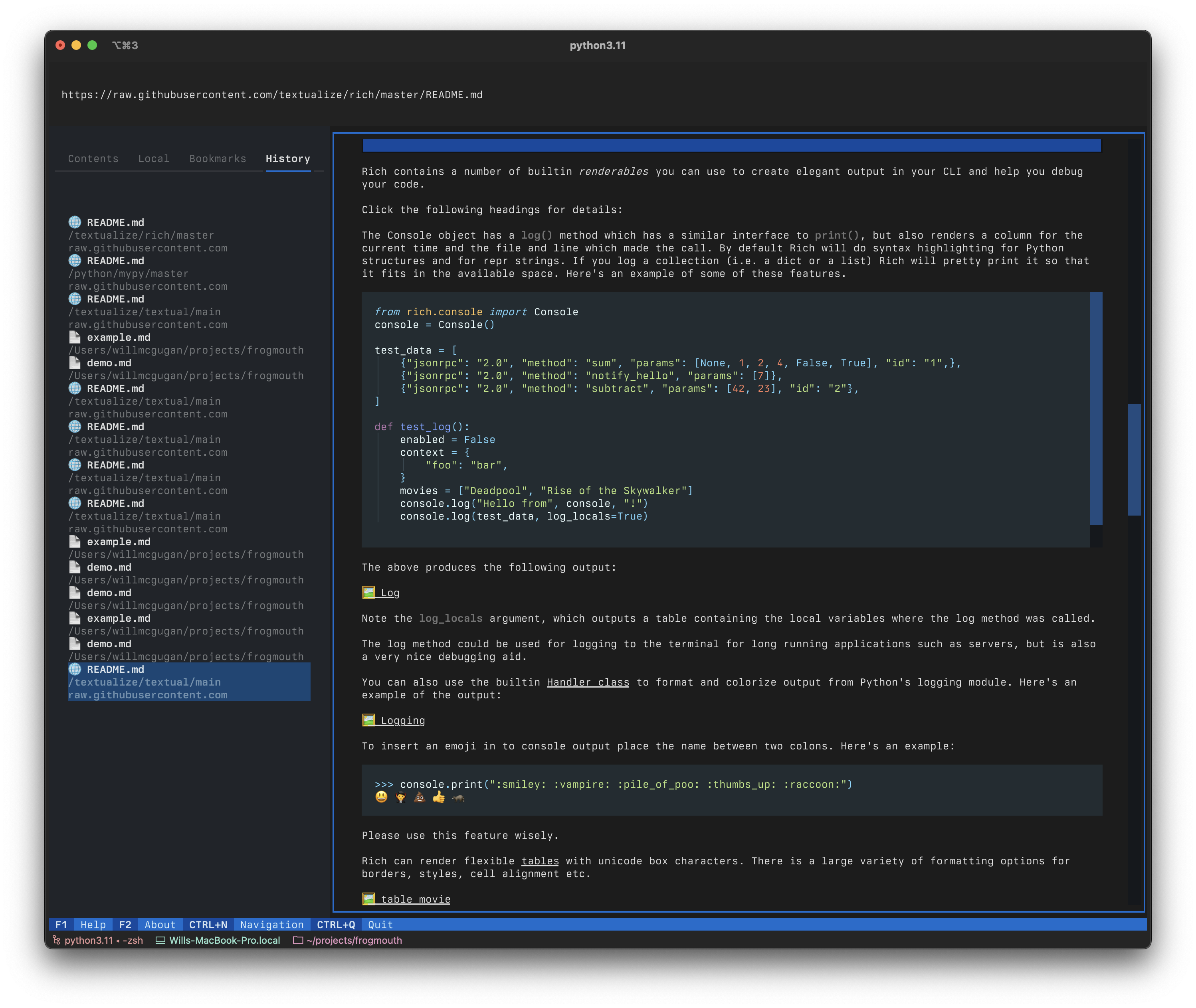
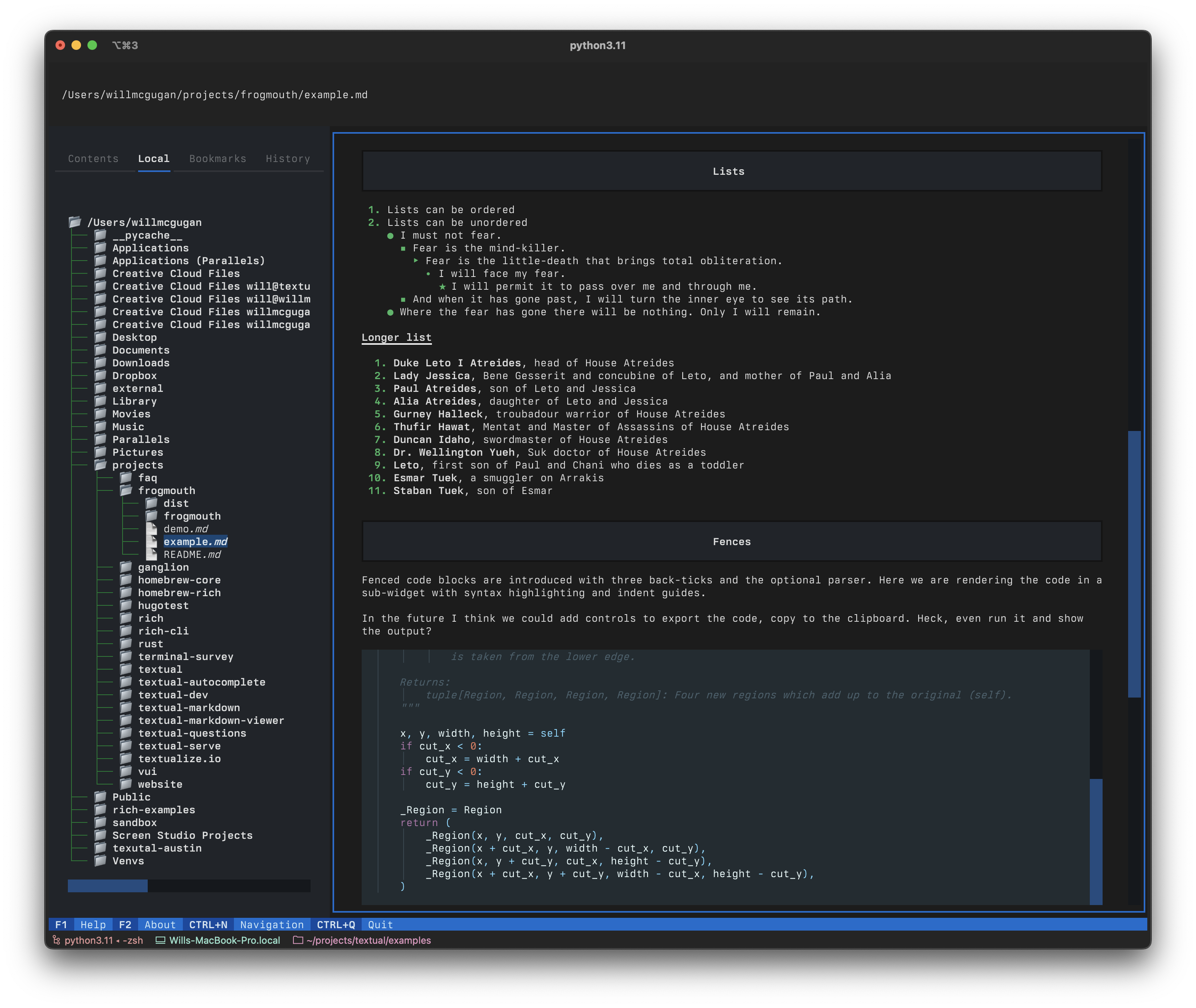
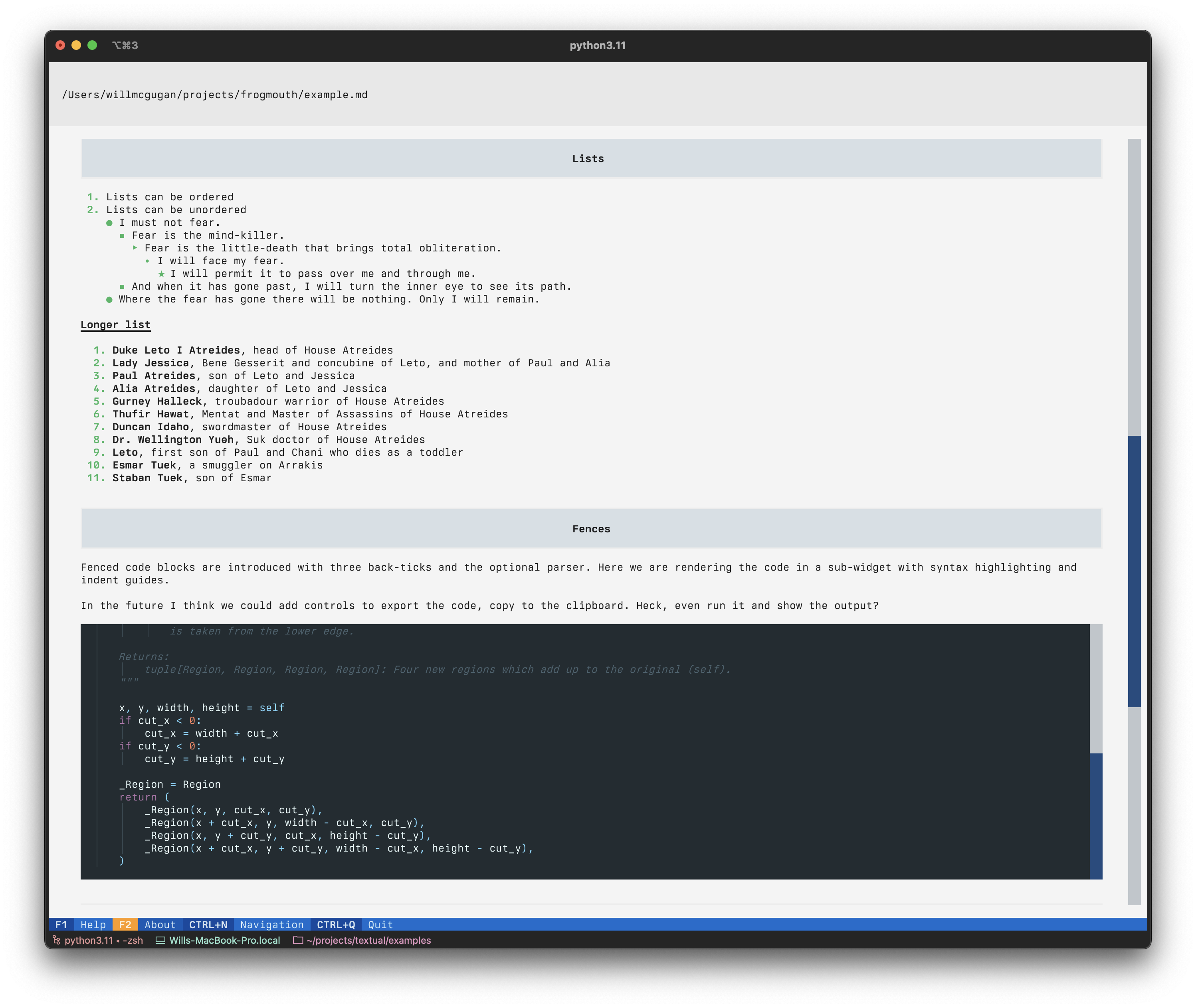
Frogmouth is a terminal-based Markdown viewer and browser built with Textual. It opens local .md files or files from URLs, providing a browser-like experience within the terminal. The tool includes navigation controls, browsing history, bookmarks, and a table of contents for easy document exploration.
The application supports both mouse and keyboard navigation, with tab-based movement between interface controls. Users can load README files directly from GitHub repositories using the gh command syntax, such as frogmouth gh textualize/textual. This functionality extends to the built-in address bar for quick repository access.
Frogmouth runs on Linux, macOS, and Windows, requiring Python 3.8 or above. The tool provides familiar browser navigation patterns adapted for terminal use, making it suitable for developers who prefer command-line workflows but need to read documentation and Markdown files regularly.
Installation
# via pipx
pipx install frogmouth
# via pip
pip install frogmouth
# via Homebrew
brew tap textualize/homebrew && brew install frogmouth