exa
Modern replacement for ls with colors, Git integration, and extended file metadata display
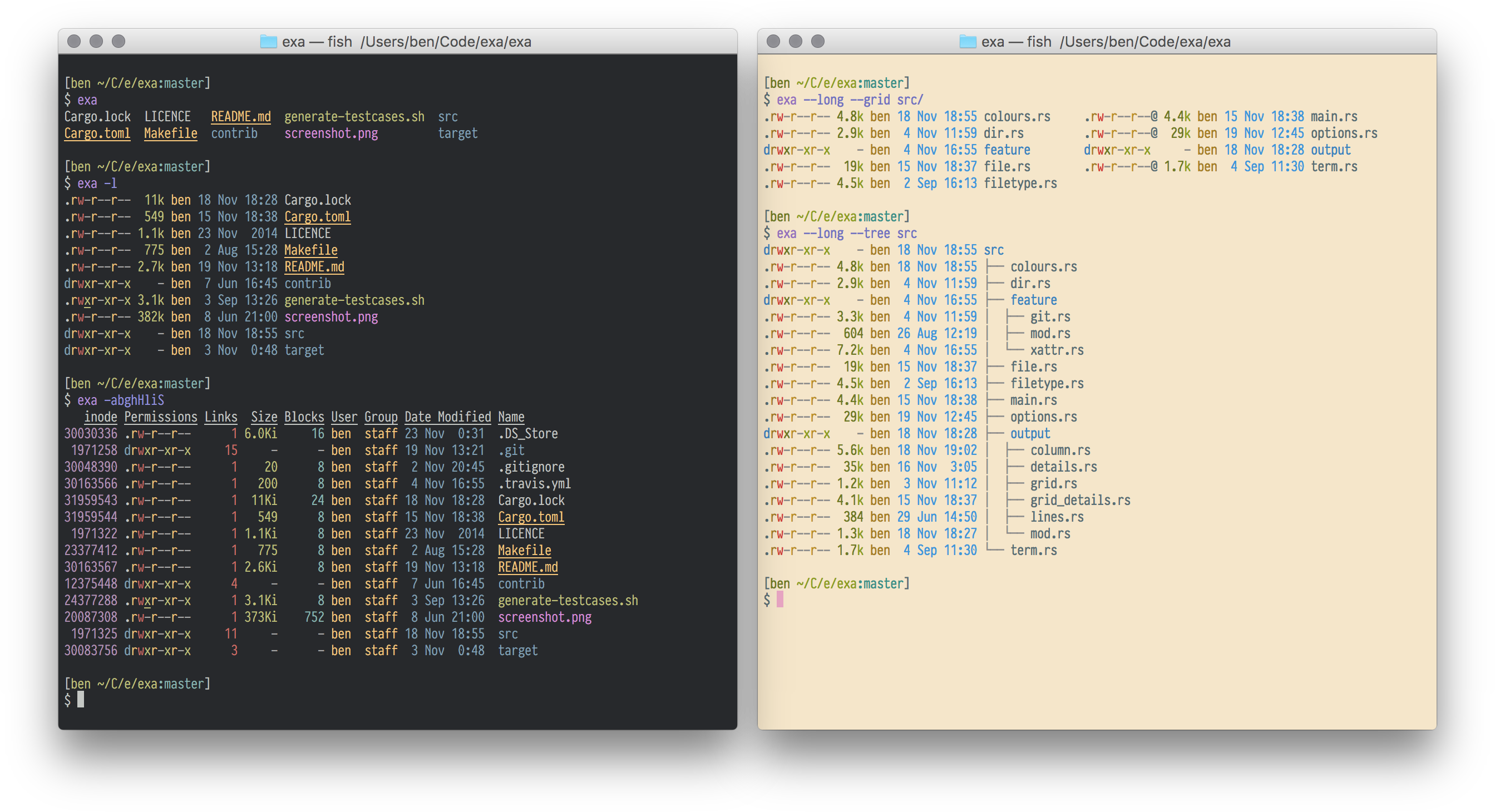
exa is a command-line file listing tool that replaces the traditional ls command with enhanced functionality and better defaults. It displays files with color-coded types and metadata, supports symlinks, extended attributes, and Git status information. The tool provides multiple display formats including grid view, tree view, and detailed long format with customizable columns.
exa offers extensive filtering and sorting options, including Git-aware filtering that respects .gitignore files, glob pattern matching, and directory-first grouping. The long view mode displays comprehensive file information including timestamps (modified, accessed, created), file sizes with binary or decimal prefixes, permissions in octal format, inode numbers, and extended attributes. It can integrate with Git repositories to show file status and tracking information.
The tool is designed for developers, system administrators, and command-line users who need more informative file listings than standard ls provides. It runs as a single binary with no external dependencies (except optional Git support via libgit2) and supports extensive customization through command-line options for colors, time formats, and display layouts. Note that exa is no longer maintained and users are recommended to use the fork 'eza' instead.
Installation
# via Homebrew
brew install exa
# via APT
apt install exa
# via Cargo
cargo install exa