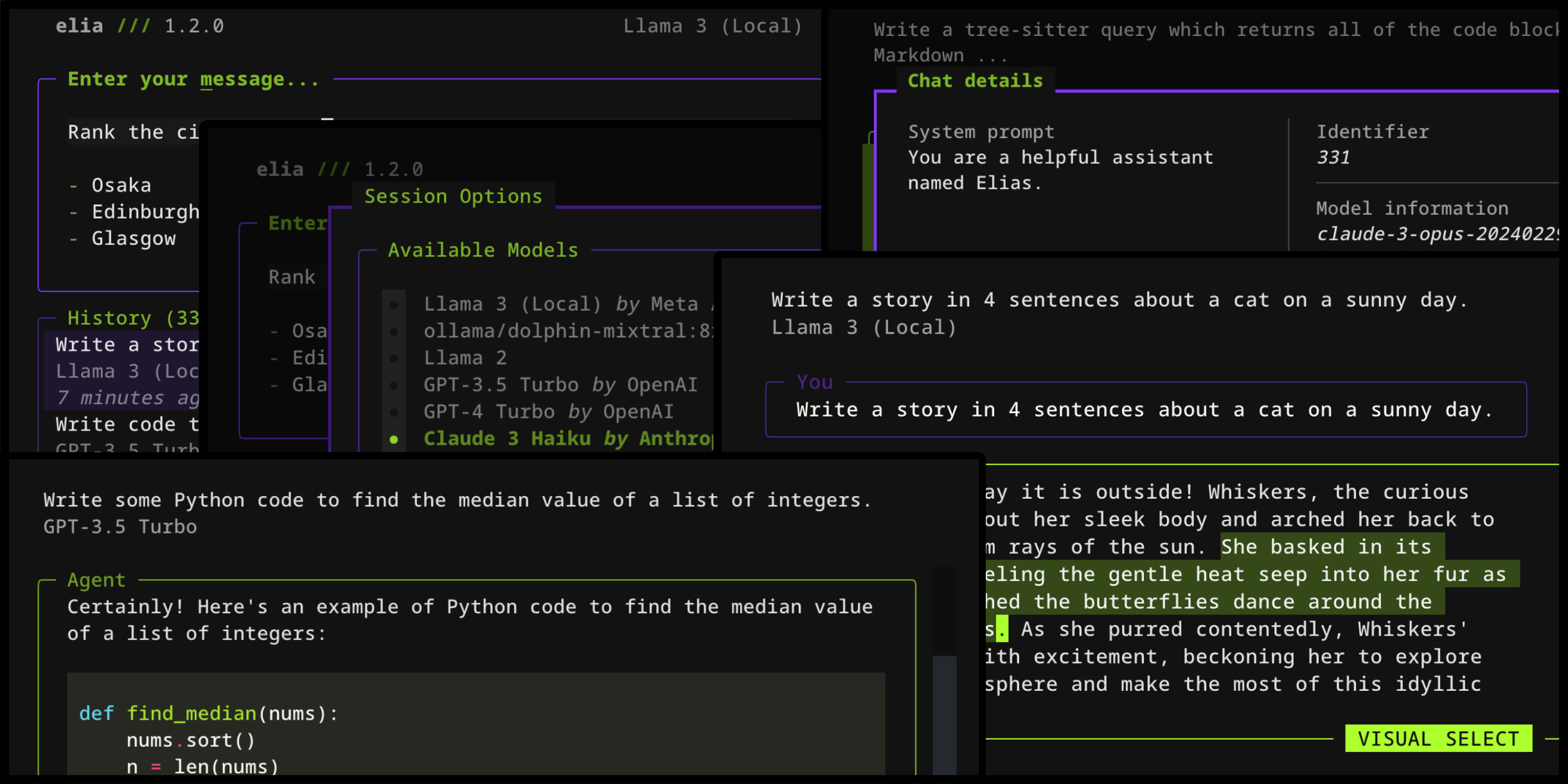
elia
Terminal-based interface for chatting with LLMs like ChatGPT, Claude, and local models via ollama
elia is a terminal user interface for interacting with large language models, providing keyboard-centric chat functionality directly from the command line. It supports both cloud-based models like ChatGPT, Claude 3, and Gemini, as well as local models running through ollama or LocalAI. The application stores conversation history in a local SQLite database and offers both inline and full-screen chat modes.
The tool provides flexible model configuration through a TOML config file, allowing users to add custom model endpoints, set API keys, and configure model-specific parameters like temperature and retry counts. Users can launch chats with specific models using command-line flags, import ChatGPT conversation exports, and customize the interface with various built-in themes or custom YAML theme files. elia handles multiple instances of the same model for different contexts (like work and personal OpenAI organizations).
Developers and AI enthusiasts who prefer terminal-based workflows will find elia useful for quick model interactions without leaving their command line environment. The application requires Python 3.11+ and API keys for proprietary models, while local model support requires ollama installation and setup.
Installation
# via pipx
pipx install --python 3.11 elia-chat