ducker
Terminal UI for managing Docker containers, images, volumes, and networks with vim-style navigation and keyboard shortcuts
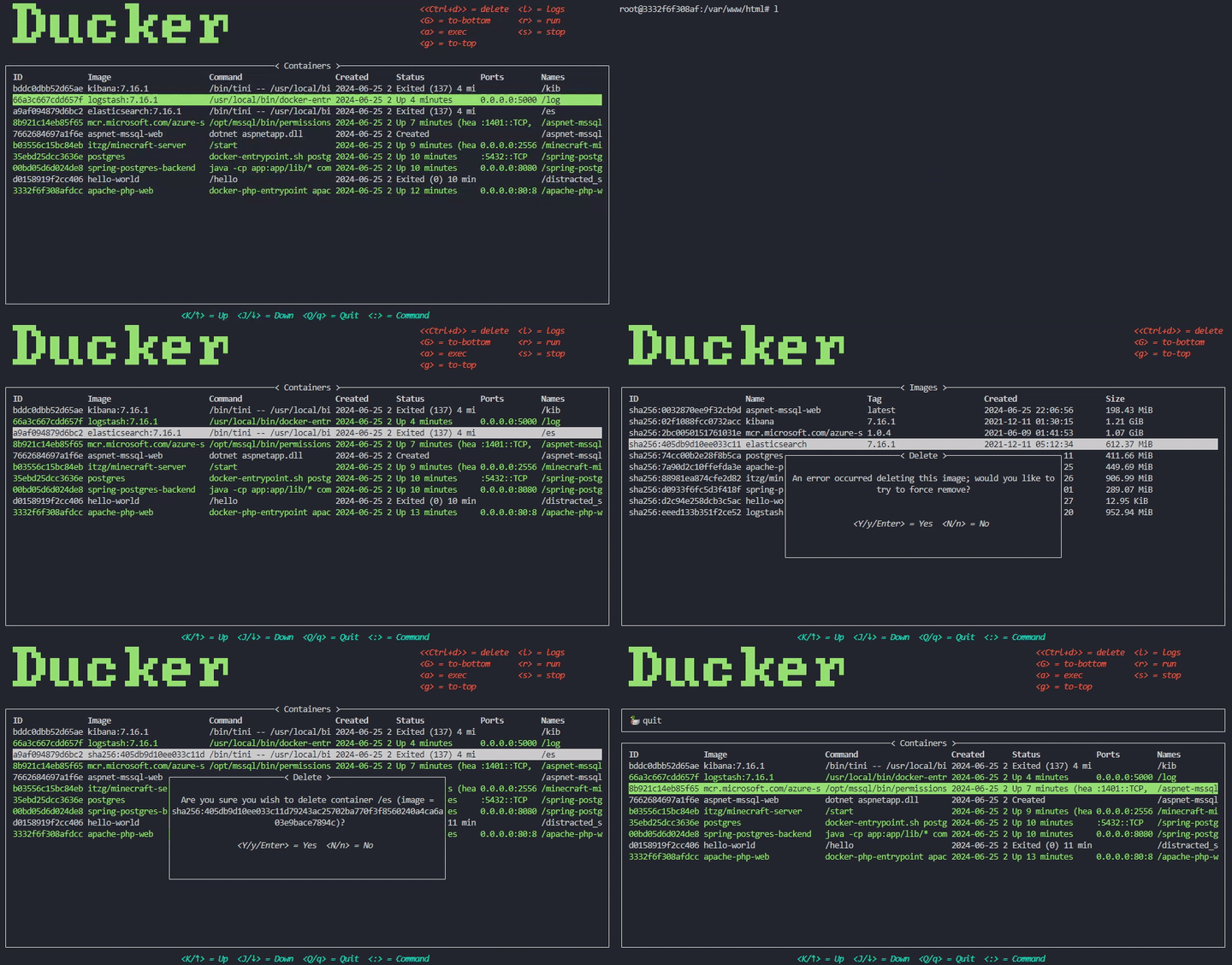
Ducker is a terminal-based Docker management interface written in Rust that provides a unified view of containers, images, volumes, and networks. The tool organizes functionality into dedicated pages accessible through commands like containers, images, volumes, and networks, with each page supporting specific operations through keyboard shortcuts.
The interface uses vim-style navigation (j/k for up/down, g/G for top/bottom) and provides contextual actions for each resource type. Users can start/stop containers, exec into running containers with a, view logs with l, delete resources with Ctrl+d, and sort columns using Shift+ combinations. The containers page supports direct interaction including execution into containers (requires bash) and log viewing.
Ducker includes configurable themes, custom prompts, and Docker daemon connection settings through a YAML configuration file. The tool checks for updates by default and supports various installation methods including system package managers. It displays global hotkeys at the bottom of the screen and contextual actions in the top right, making Docker resource management accessible without memorizing complex command syntax.
Installation
# via Homebrew
brew install ducker
# via Arch Linux
pacman -S ducker
# via Cargo
cargo install --locked ducker
# via Nix
nix run nixpkgs#ducker