dog
Command-line DNS client with colorful output, JSON support, and DNS-over-TLS/HTTPS protocols
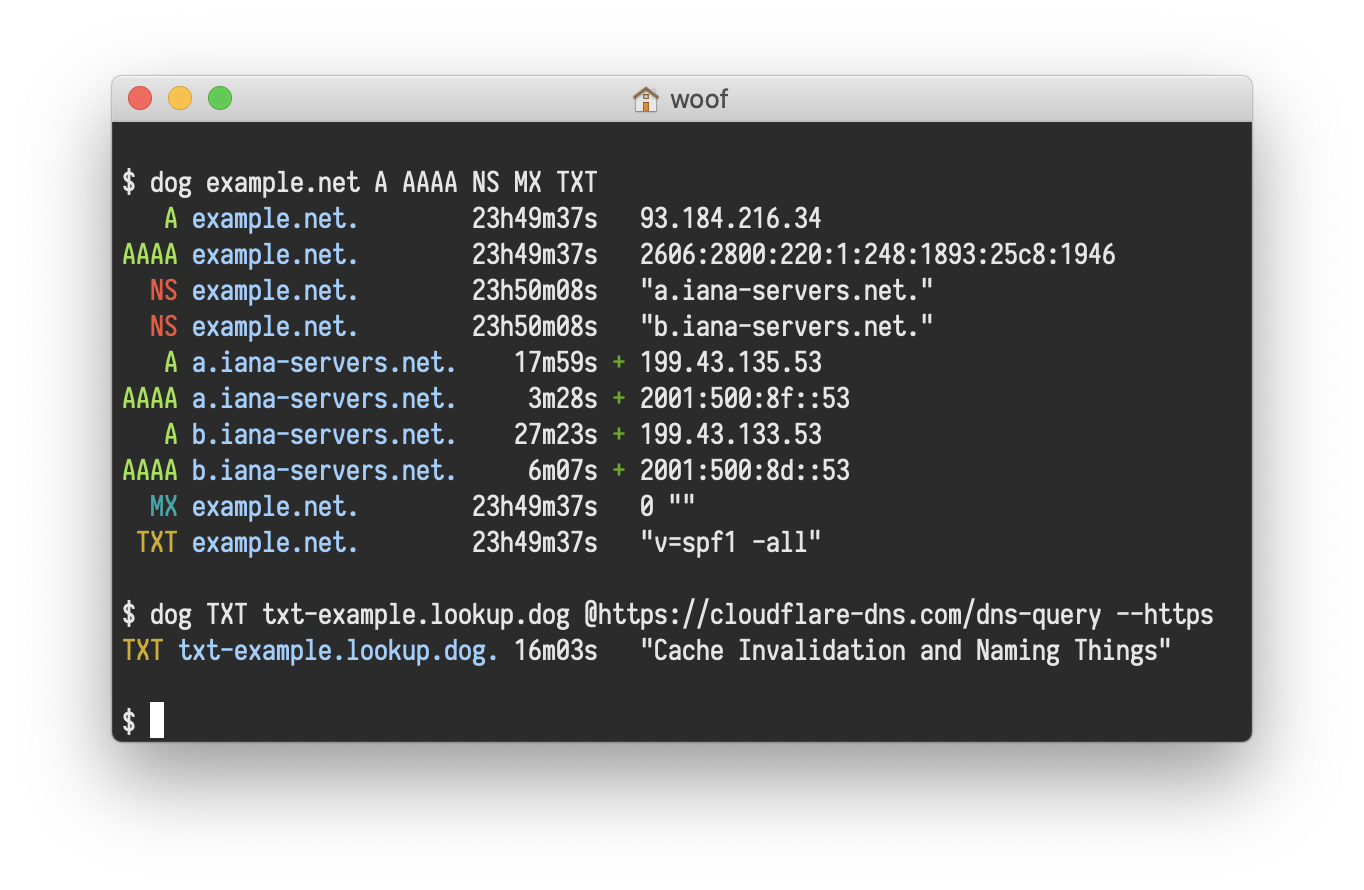
dog is a command-line DNS client that serves as an alternative to dig. It performs DNS queries with enhanced output formatting, including colorized results and JSON output for programmatic use. The tool supports standard DNS record types (A, MX, NS, etc.) and can query custom nameservers.
The tool distinguishes itself through support for modern DNS protocols including DNS-over-TLS and DNS-over-HTTPS, alongside traditional UDP and TCP queries. It accepts both human-readable argument syntax (like dog example.net MX @1.1.1.1) and explicit command-line flags for scripting scenarios.
dog includes protocol-level customization options such as EDNS support, transaction ID modification, and timing measurements. The output can be configured for different use cases: short mode for scripts, JSON format for data processing, and detailed colorized output for interactive use. Network administrators, developers, and system administrators working with DNS troubleshooting or automation would find this tool useful for both manual queries and integration into monitoring or diagnostic scripts.
Installation
# via Homebrew
brew install dog
# via Arch Linux
pacman -S dog
# via Cargo
cargo build --release