deletor
File deletion tool with interactive TUI and CLI modes supporting filters, trash integration, and batch operations.
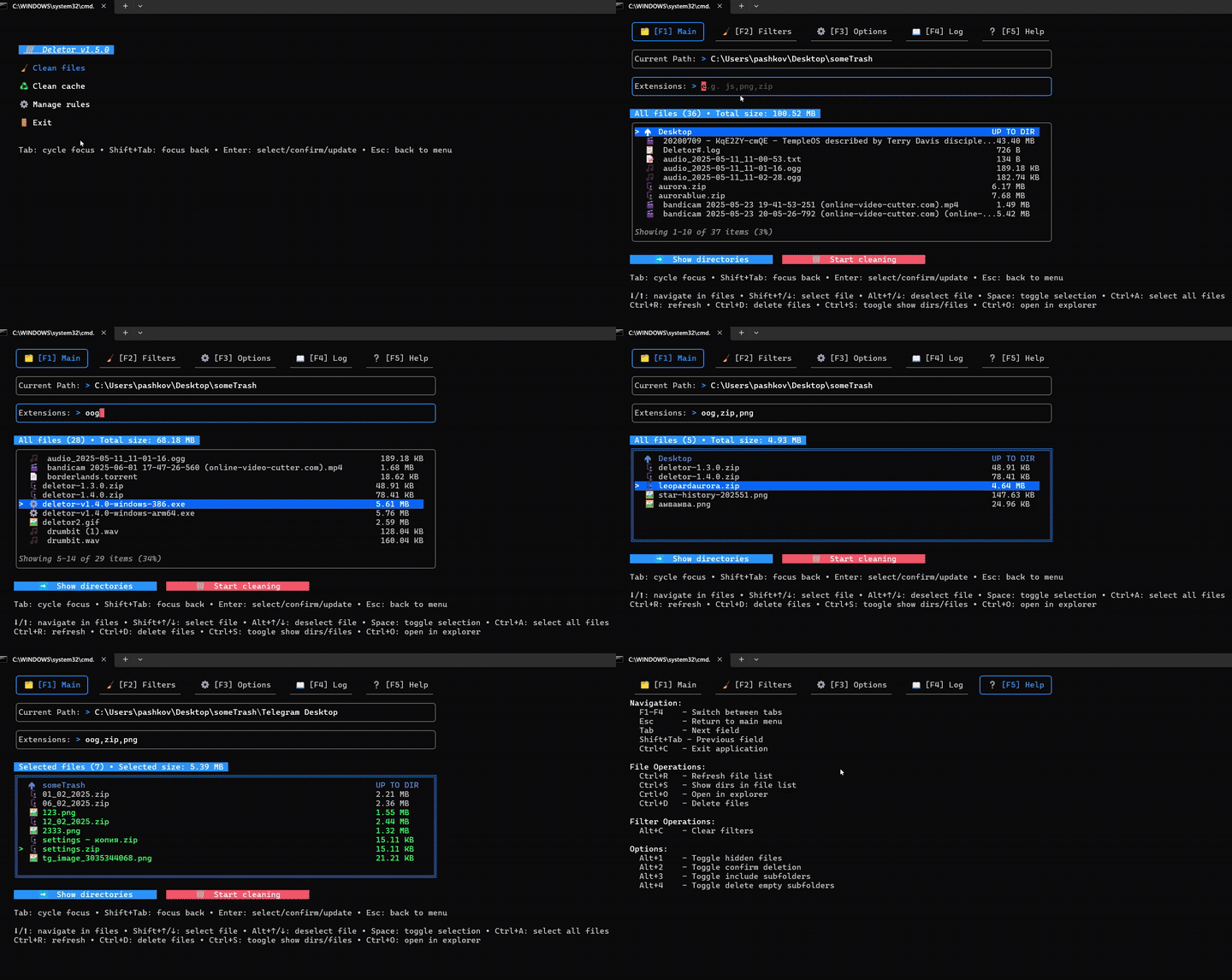
Deletor is a file deletion tool that operates in two modes: an interactive text-based user interface (TUI) and a scriptable command-line interface (CLI). The TUI mode provides visual directory navigation with mouse support and keyboard shortcuts for file selection, while the CLI mode enables automation through filtering options and batch operations.
The tool supports comprehensive file filtering including extensions, size ranges, modification time criteria, and path exclusions. Files can be moved to the system trash or permanently deleted, with optional confirmation prompts. Additional features include multi-file selection, empty directory pruning, operation logging, and OS cache cleaning capabilities.
Deletor targets both interactive users who need visual file management and system administrators requiring scriptable file cleanup operations. The CLI mode supports integration into automation workflows, cron jobs, and shell scripts with flags for size filtering (e.g., --min-size 10mb), time-based deletion (e.g., --older 7day), and extension matching (e.g., -e mp4,zip). A rules system allows saving filter configurations for repeated use.
Installation
# via Go
go install github.com/pashkov256/deletor@latest