dawn
Terminal-based markdown editor with live rendering, math support, and distraction-free writing features
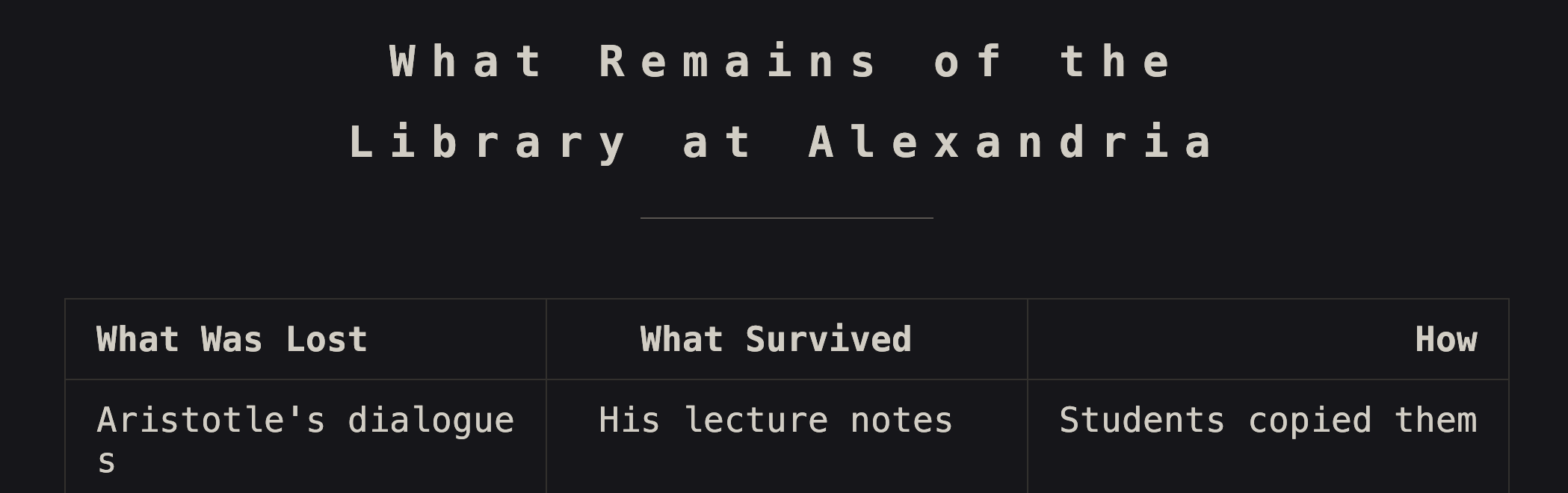
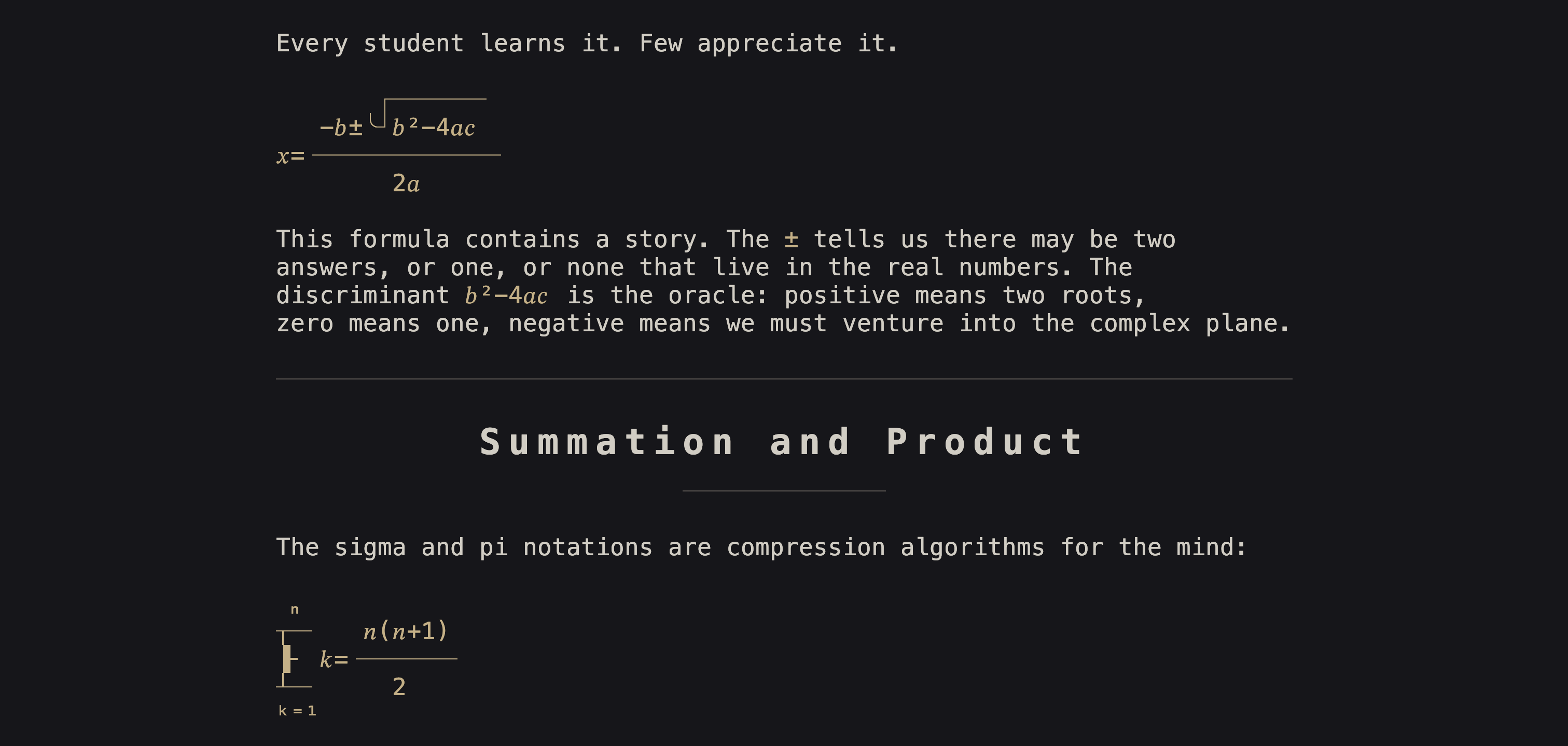
Dawn is a terminal-based markdown editor that renders content live as you type. Headers scale proportionally, math expressions convert to Unicode art, code blocks get syntax highlighting, and formatting characters hide when not actively editing. The editor supports comprehensive markdown syntax including tables with Unicode box-drawing, footnotes with jump navigation, and LaTeX math rendering directly in the terminal.
The tool targets writers who want a distraction-free environment without requiring a browser or electron app. It includes writing-focused features like timed sessions, focus mode that hides all UI elements, and navigation tools including table of contents and search with context preview. Dawn supports 35+ programming languages for syntax highlighting and includes smart typography with curly quotes and em-dashes.
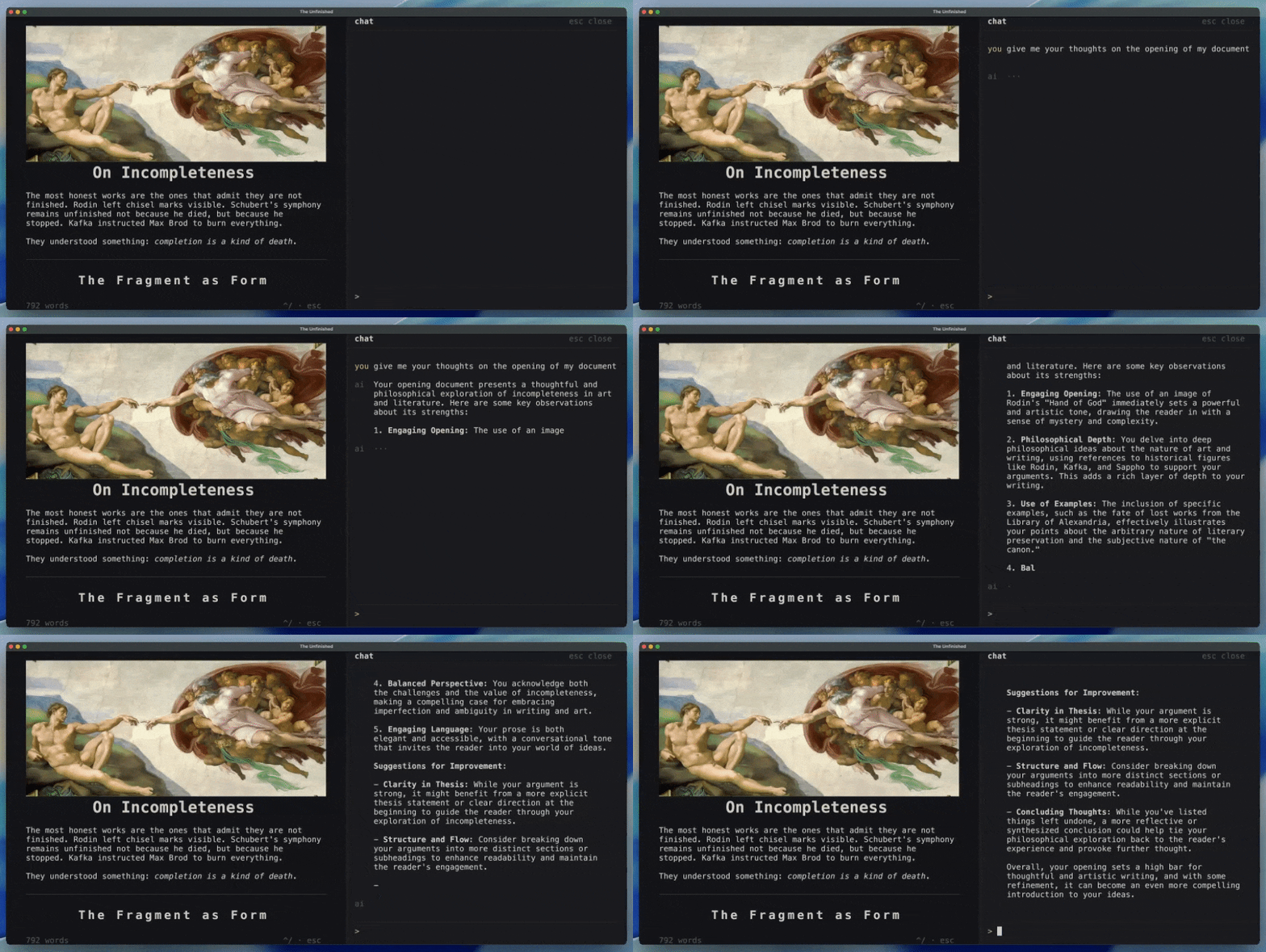
Built with a portable architecture separating the core engine from platform-specific I/O, Dawn primarily runs in POSIX terminals with optional Kitty graphics support. An experimental web version uses Canvas rendering via Emscripten. Documents save as standard markdown with optional YAML frontmatter, and the editor includes experimental AI chat functionality using Apple foundational models on supported systems.
Installation
# via Homebrew
brew tap andrewmd5/tap && brew install dawn
# via PowerShell
irm https://raw.githubusercontent.com/andrewmd5/dawn/main/install.ps1 | iex
# via Source
git clone --recursive https://github.com/andrewmd5/dawn.git && cd dawn && make && make install