crates-tui
Terminal interface for browsing and exploring Rust crates from crates.io with search and clipboard integration.
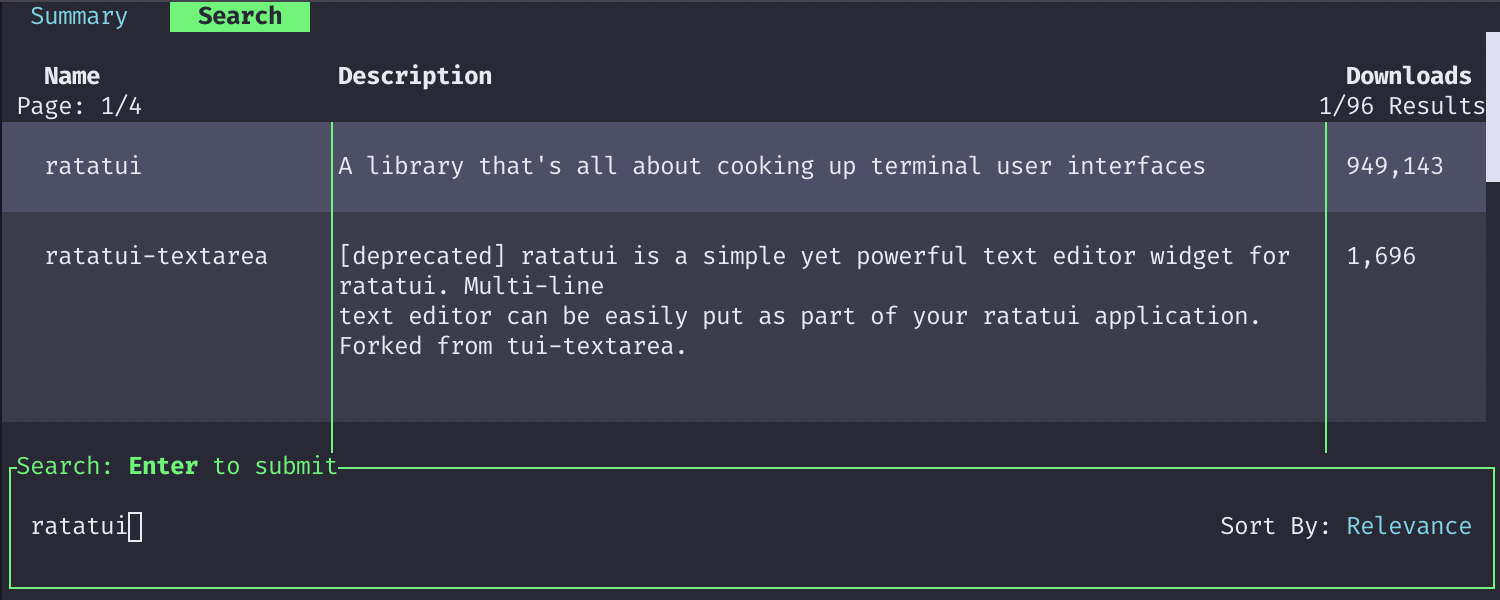
crates-tui is a terminal user interface for exploring Rust crates from the crates.io registry. Built with Ratatui, it provides a text-based browser for searching and examining Rust packages directly from the command line. The interface includes a search results table, crate summary view, and selection tabs for navigating between different crates.
The tool integrates with external tools by copying cargo add commands to the clipboard and opening documentation or crates.io pages in the default browser. It supports configurable key bindings that map to actions across different interface modes, and includes Base16 theme support for customizing the appearance with color schemes like Dracula, Rose Pine, and GitHub.
Developers working with Rust can use crates-tui to discover packages, examine crate metadata, and quickly add dependencies to their projects without leaving the terminal. The application uses async operations to fetch crate information from the API without blocking the user interface, maintaining responsiveness during network requests.
Installation
# via Cargo
cargo install crates-tui
# via AUR
paru -S crates-tui