codex
AI coding agent from OpenAI that runs locally on your computer to assist with development tasks.
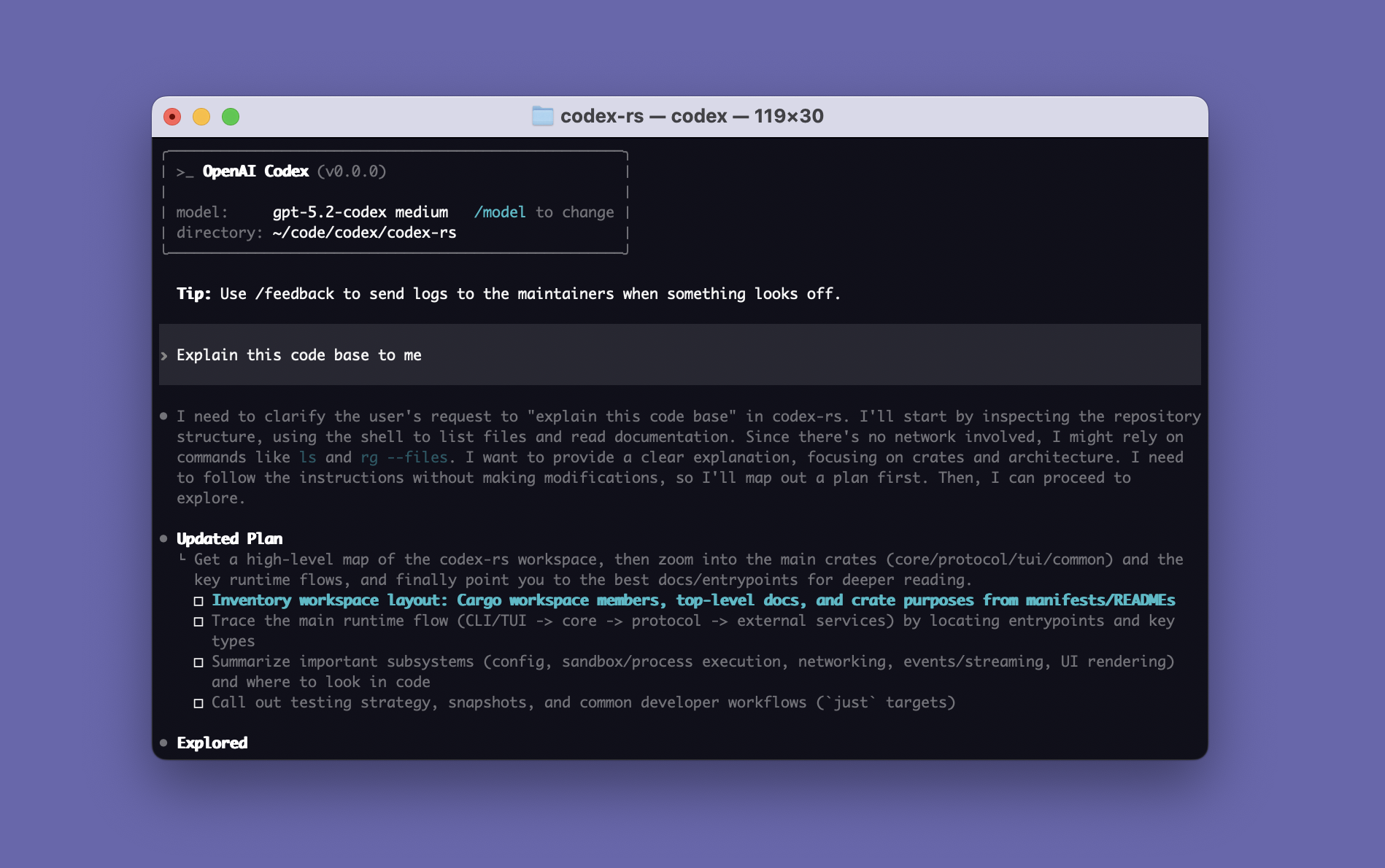
Codex CLI is an AI-powered coding assistant from OpenAI that operates locally on your machine. It functions as a coding agent that can help with various development tasks through a command-line interface. The tool integrates with ChatGPT accounts, allowing users to leverage their existing Plus, Pro, Business, Edu, or Enterprise plans.
The CLI tool is part of a broader Codex ecosystem that includes IDE extensions for VS Code, Cursor, and Windsurf, as well as a desktop app mode accessible via codex app. Users can authenticate either through their ChatGPT account (recommended) or via API key setup. The tool is available across multiple platforms including macOS (both Apple Silicon and Intel), Linux (x86_64 and arm64), making it accessible to developers working in different environments.
Codex CLI serves developers who want AI assistance integrated directly into their terminal workflow, complementing the web-based Codex available at chatgpt.com/codex. The local execution model provides developers with AI coding capabilities without requiring constant web browser interaction.
Installation
# via NPM
npm install -g @openai/codex
# via Homebrew
brew install --cask codex