castero
Terminal-based podcast client with TUI interface for subscribing to and playing podcast feeds
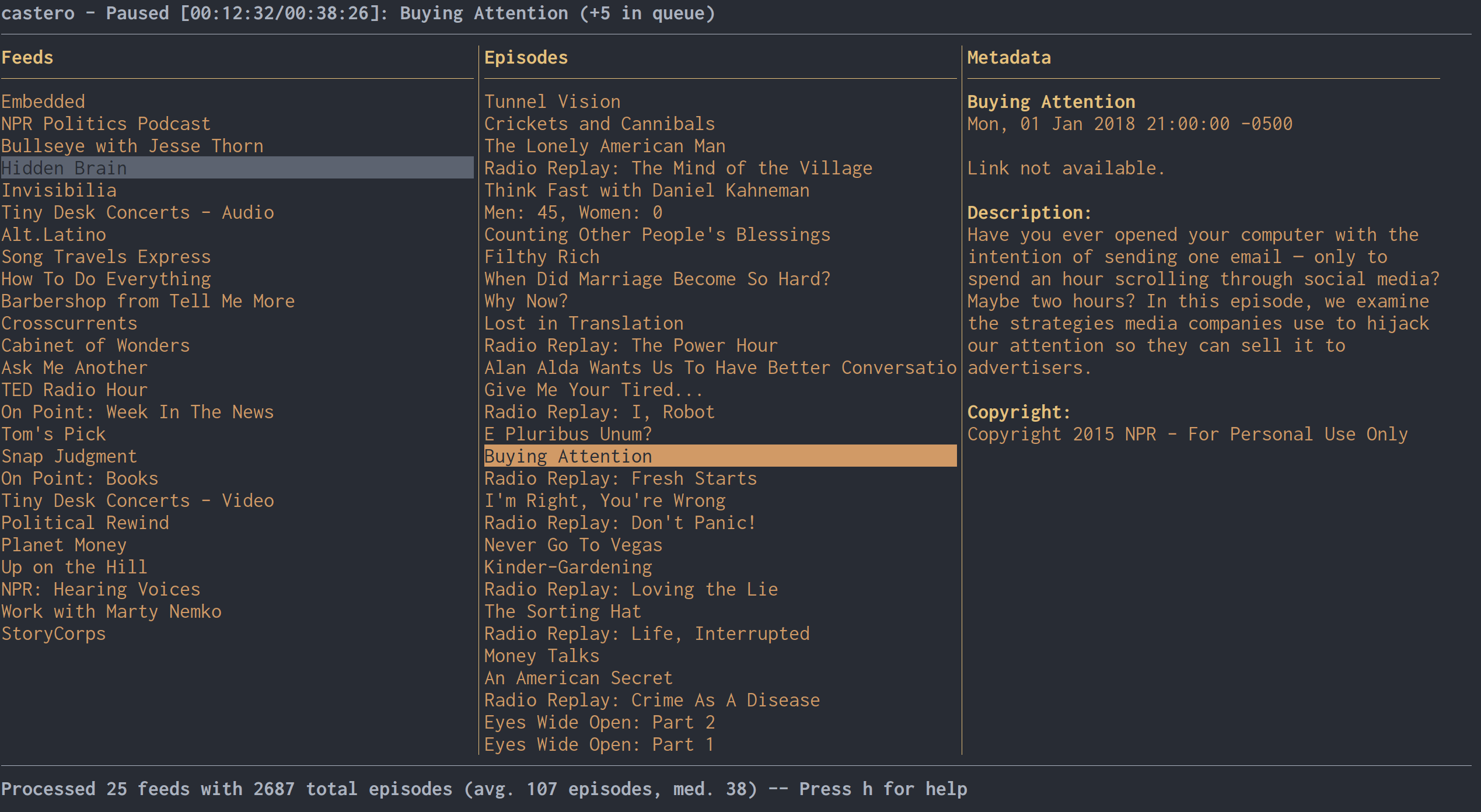
castero is a terminal user interface (TUI) podcast client that allows users to manage podcast subscriptions and playback entirely from the command line. The application provides a full-featured interface for adding feeds, browsing episodes, and controlling playback with keyboard shortcuts.
The client supports standard podcast management features including RSS feed subscription, episode downloading for offline playback, and queue management. Users can navigate through feeds and episodes using arrow keys, filter content with search functionality, and control playback with vim-like keybindings. The interface offers multiple layout options (1-5) and supports marking episodes as played or unplayed.
castero integrates with external media players including VLC (>= 2.2.3) or mpv with libmpv (>= 0.14.0) for audio playback. It stores user data and downloaded episodes in standard XDG directories and supports OPML import/export for transferring subscriptions between podcast clients. The application requires Python 3.5+ and sqlite3 for operation.
Installation
# via pip
pip3 install castero