bottom
Cross-platform terminal-based system monitor with graphical widgets for CPU, memory, network, disk, and process management
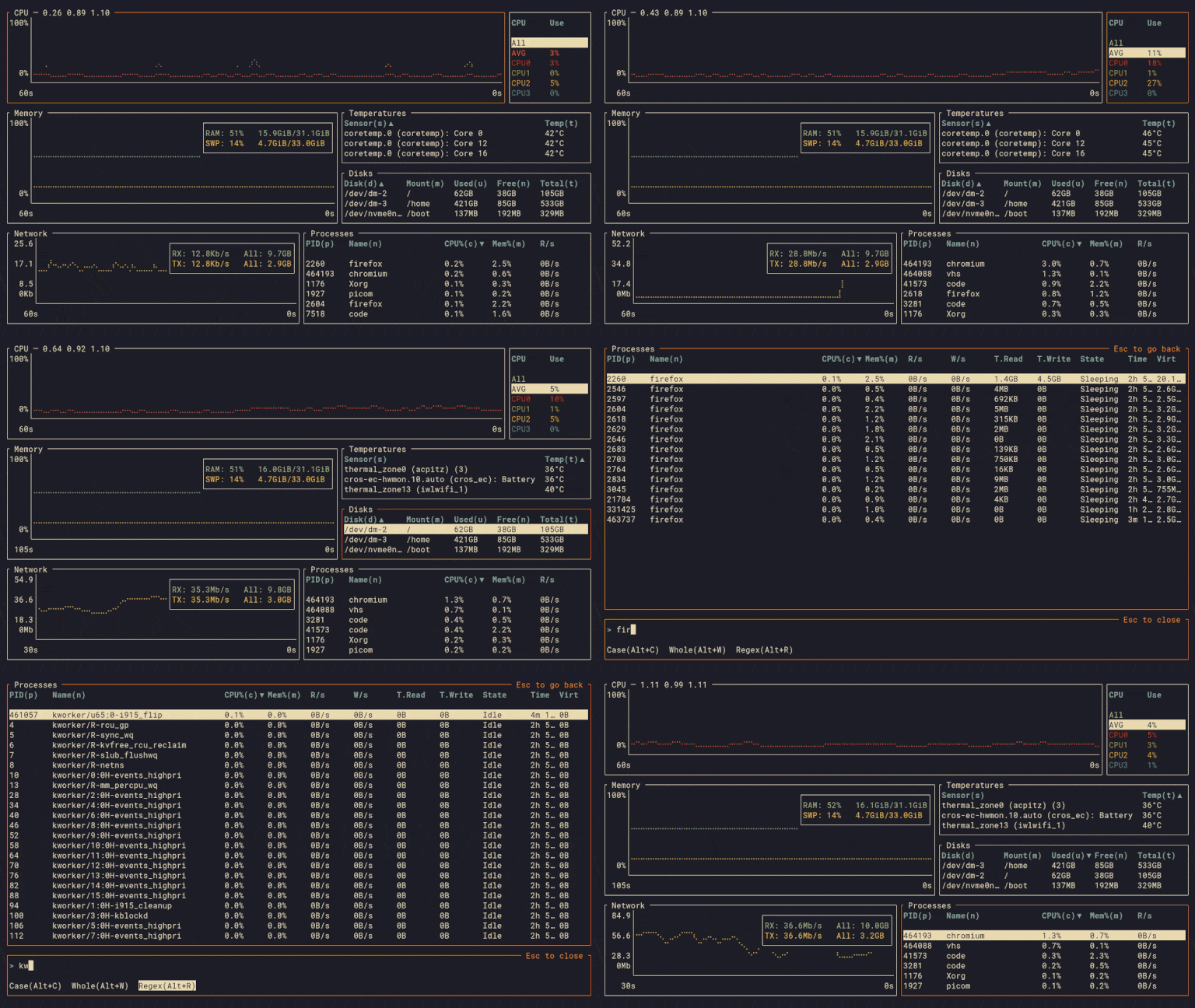
bottom (btm) is a cross-platform system monitor that runs in the terminal, providing graphical visualizations of system resources and process management capabilities. It displays real-time widgets for CPU usage (both average and per-core), RAM and swap usage, network I/O, disk capacity, temperature sensors, and battery status. All graphical widgets support zooming in and out of time intervals for detailed analysis.
The tool includes a comprehensive process widget that allows sorting, searching, and managing processes with kill signals and tree mode viewing. bottom supports extensive customization through command-line options and configuration files, including custom and built-in color themes, widget behavior modification, and layout customization. It also offers an htop-inspired basic mode and an expansion feature that focuses on individual widgets.
bottom officially supports Linux, macOS, and Windows across multiple architectures (x86_64, aarch64, i686), with unofficial support for additional platforms like FreeBSD and Android. The tool is built with Rust and inspired by gtop, gotop, and htop, offering filtering capabilities for widget entries and cross-platform compatibility for system administrators and developers who need detailed system monitoring.
Installation
# via Cargo
cargo install bottom --locked
# via Homebrew
brew install bottom
# via APT
sudo apt install bottom