ali
HTTP load testing tool with real-time TUI analysis and charting capabilities
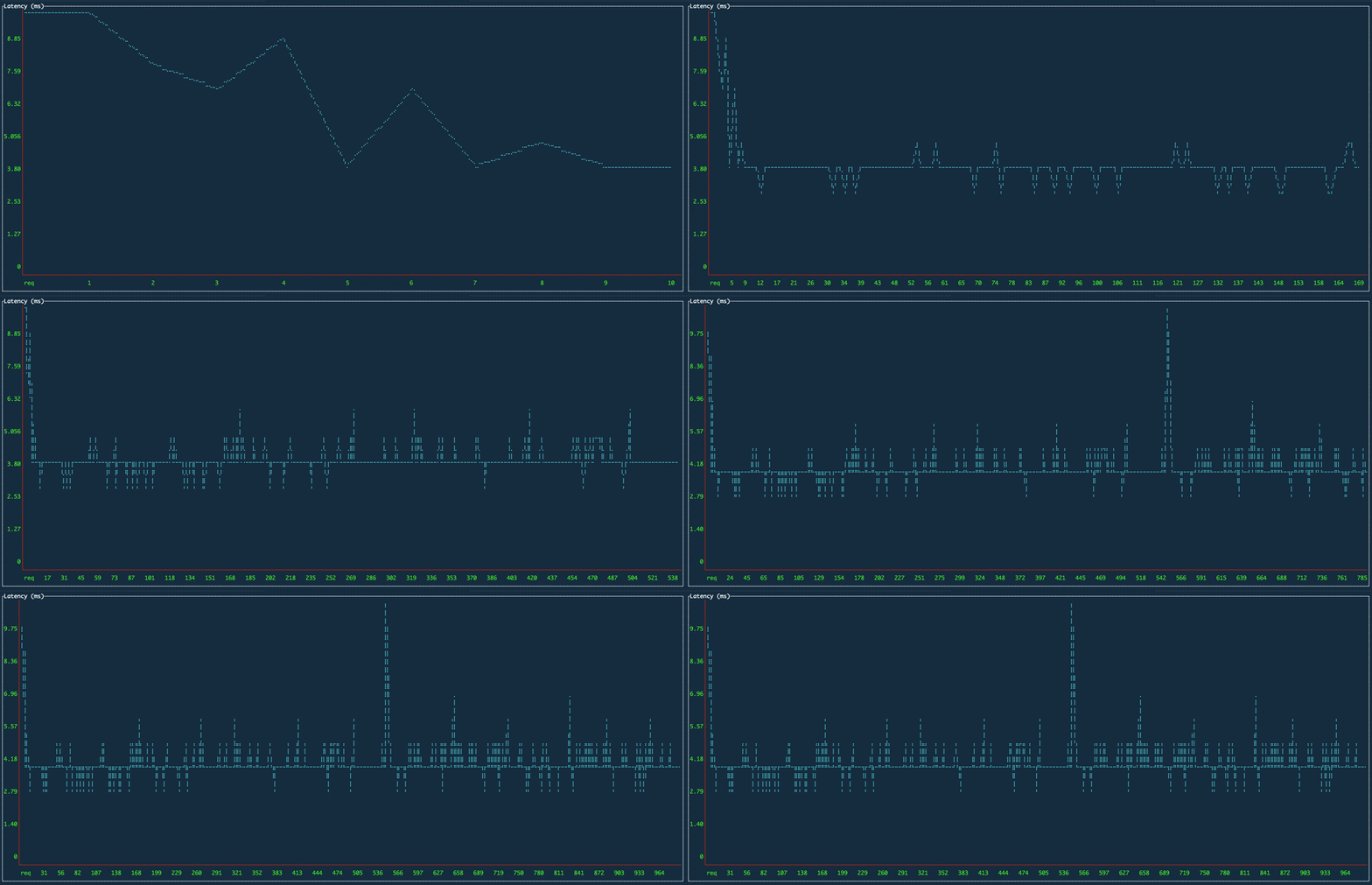
ali is an HTTP load testing tool that provides real-time performance analysis through a terminal-based user interface. It generates configurable request loads against HTTP endpoints while continuously plotting metrics like latency, percentiles, and throughput in interactive charts. Users can adjust parameters such as request rate, duration, HTTP method, headers, and request body through command-line flags.
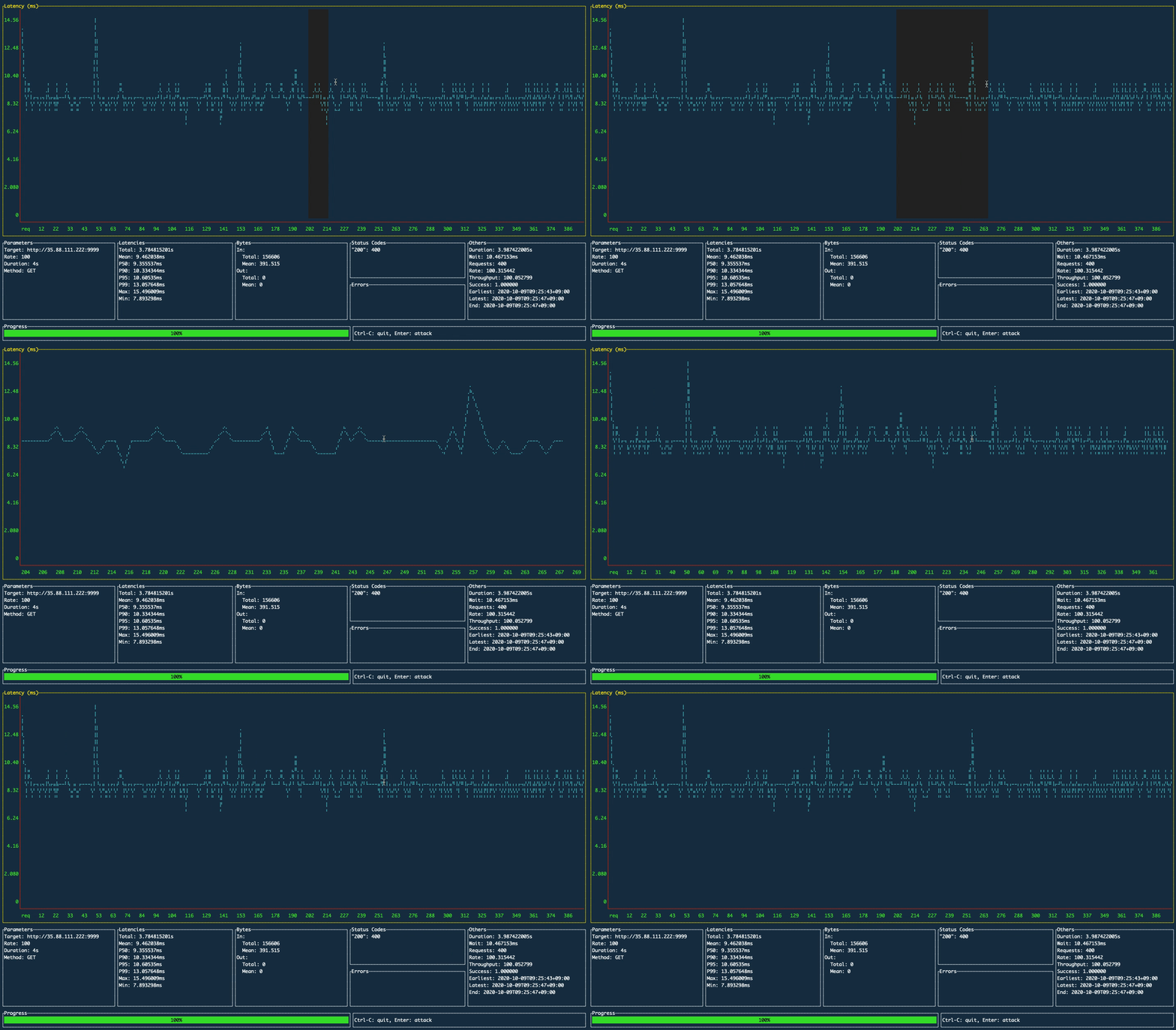
The tool displays multiple chart types including latency over time, percentile distributions (50th, 90th, 95th, 99th), and progress indicators for long-running tests. Charts support mouse interaction for zooming and navigation. Test results can be exported to files for further analysis. The interface updates in real-time with configurable redraw intervals, allowing users to monitor performance characteristics as tests execute.
ali supports standard HTTP features including custom headers, request bodies from files, TLS configuration, HTTP/2, keep-alive connections, and custom DNS resolvers. It can perform infinite duration attacks by setting duration to 0, or time-limited tests with specific rates and worker counts. The tool is particularly useful for developers and SREs who need to assess API performance, identify bottlenecks, and validate system behavior under load with immediate visual feedback.
Installation
# via Homebrew
brew install nakabonne/ali/ali
# via APT
wget https://github.com/nakabonne/ali/releases/download/v0.7.3/ali_0.7.3_linux_amd64.deb && apt install ./ali_0.7.3_linux_amd64.deb
# via Go
go install github.com/nakabonne/ali@latest